
Yardmaster Guide
Hi. What do you need?
Ask in your own words. Every guide, setting and shortcut is one search away.
I want to...
- Run several agents at onceStart sessions side by side and keep each one on track.
- Only hear about what needs meOne inbox for questions and approvals. The rest stays quiet.
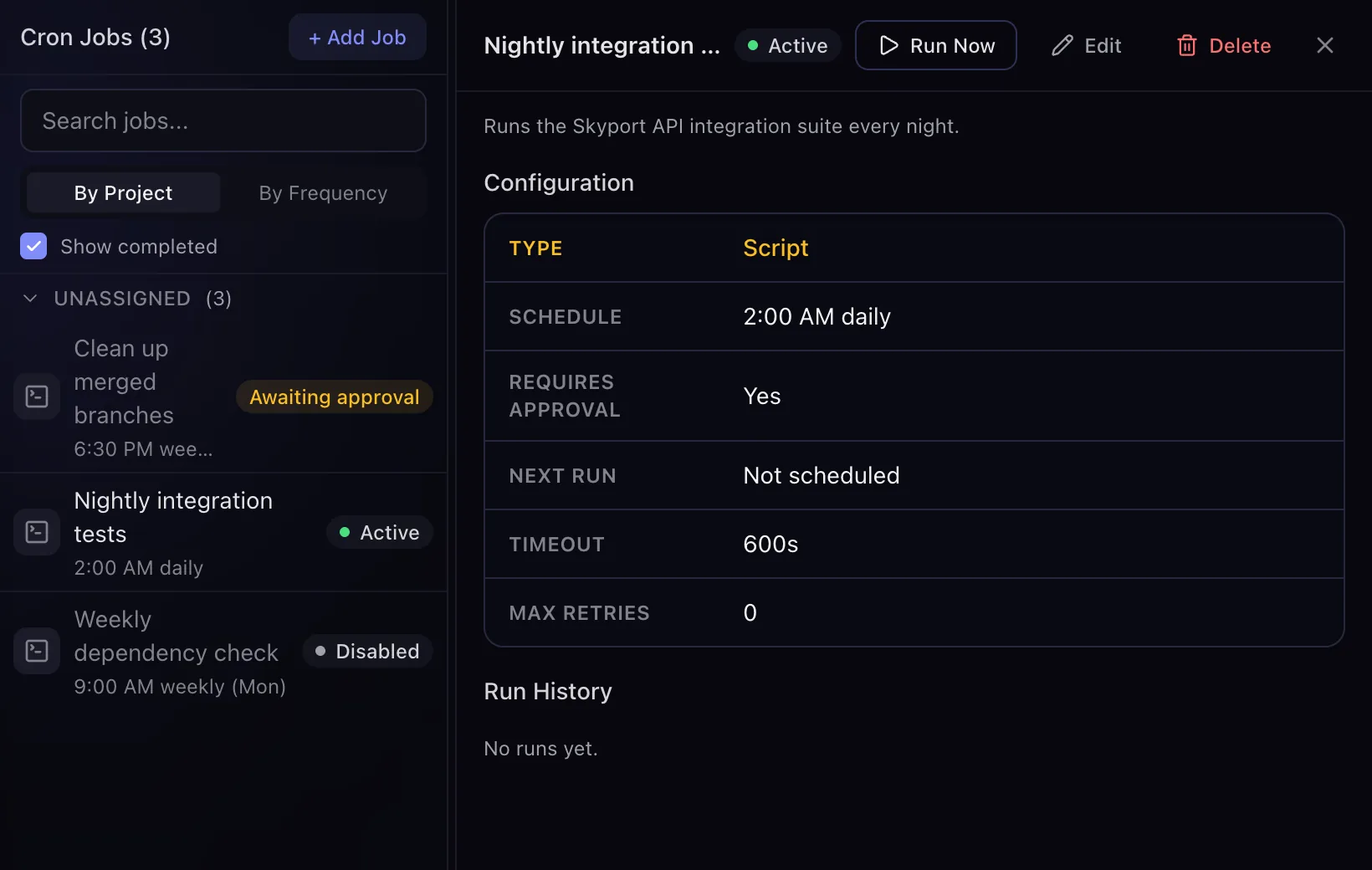
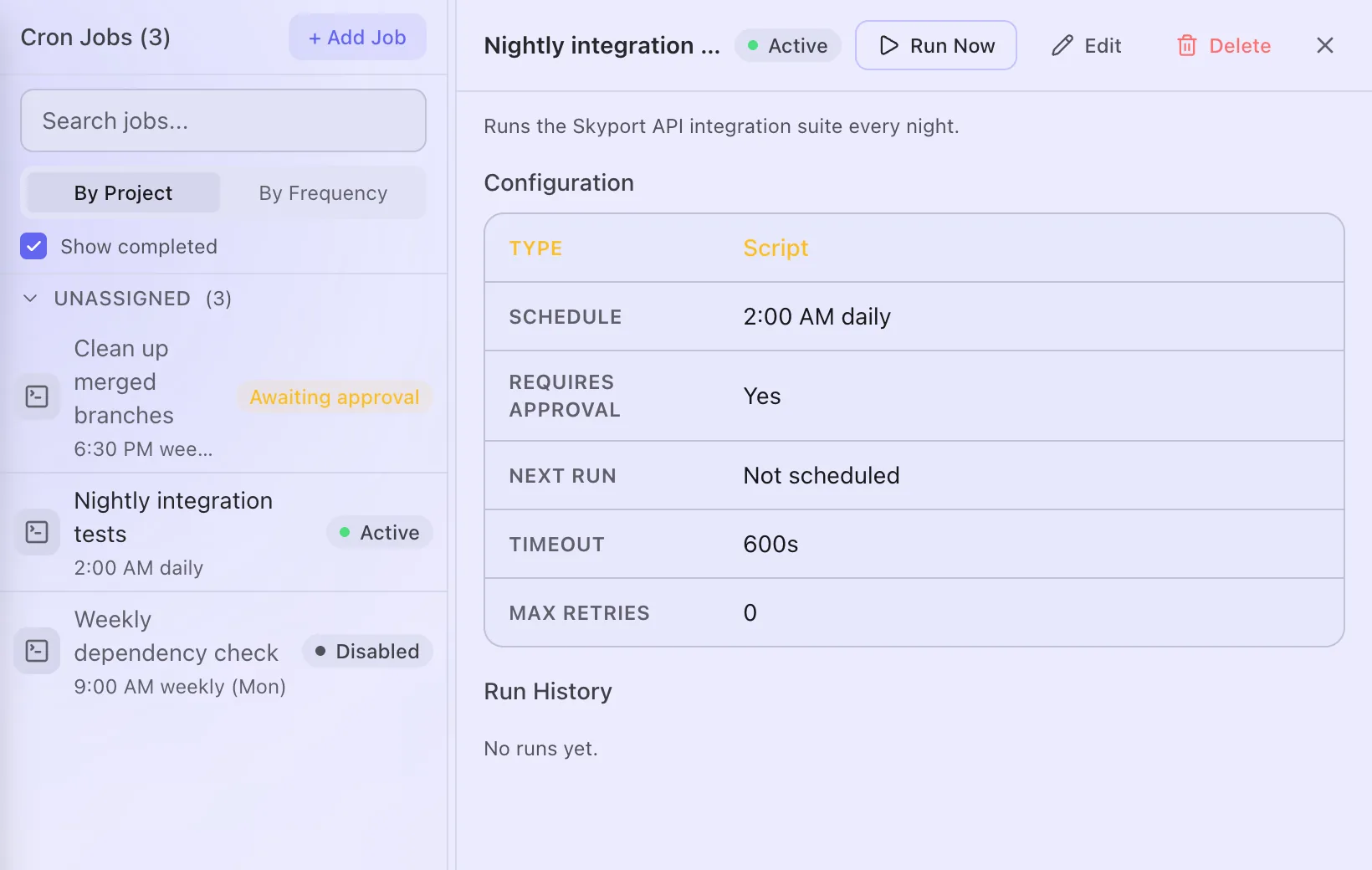
- Put work on autopilotSave a job as a recipe and let it run on a schedule.
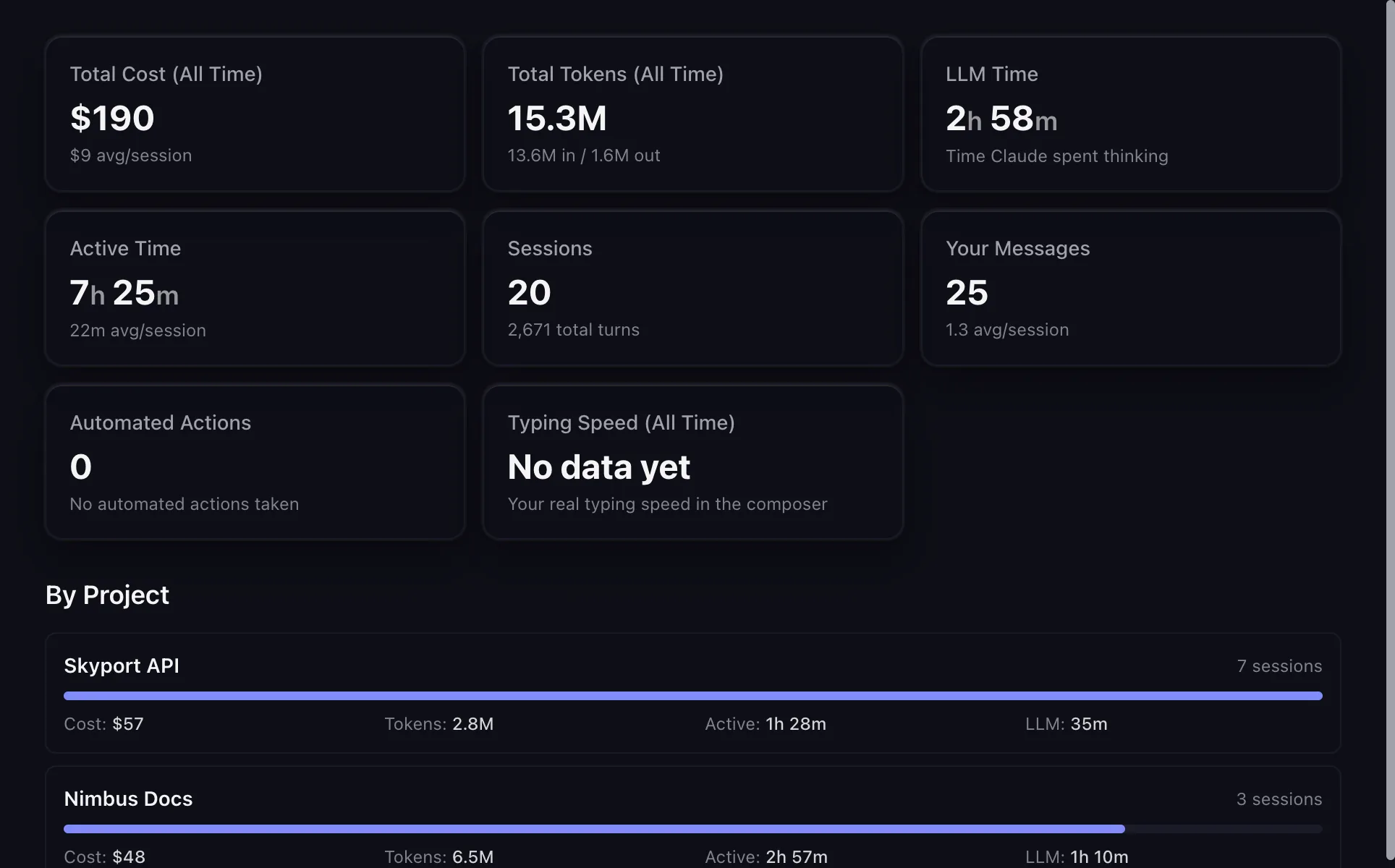
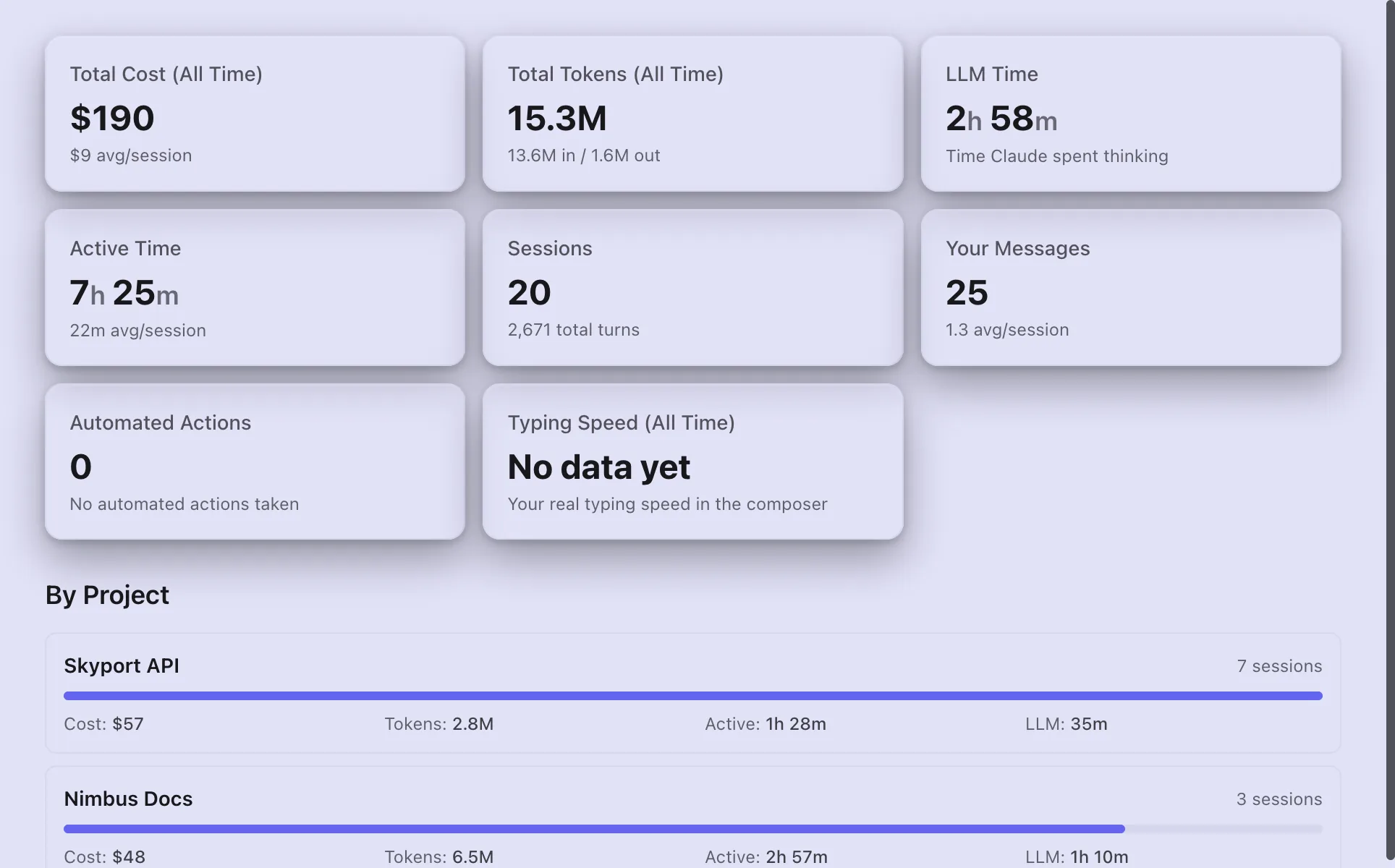
- See what I am spendingCosts per session and project, and where the month is heading.
Learn Yardmaster
Four short levels, from your first agent to making it yours.
What Yardmaster can do
A few things Yardmaster does, each with its own guide.
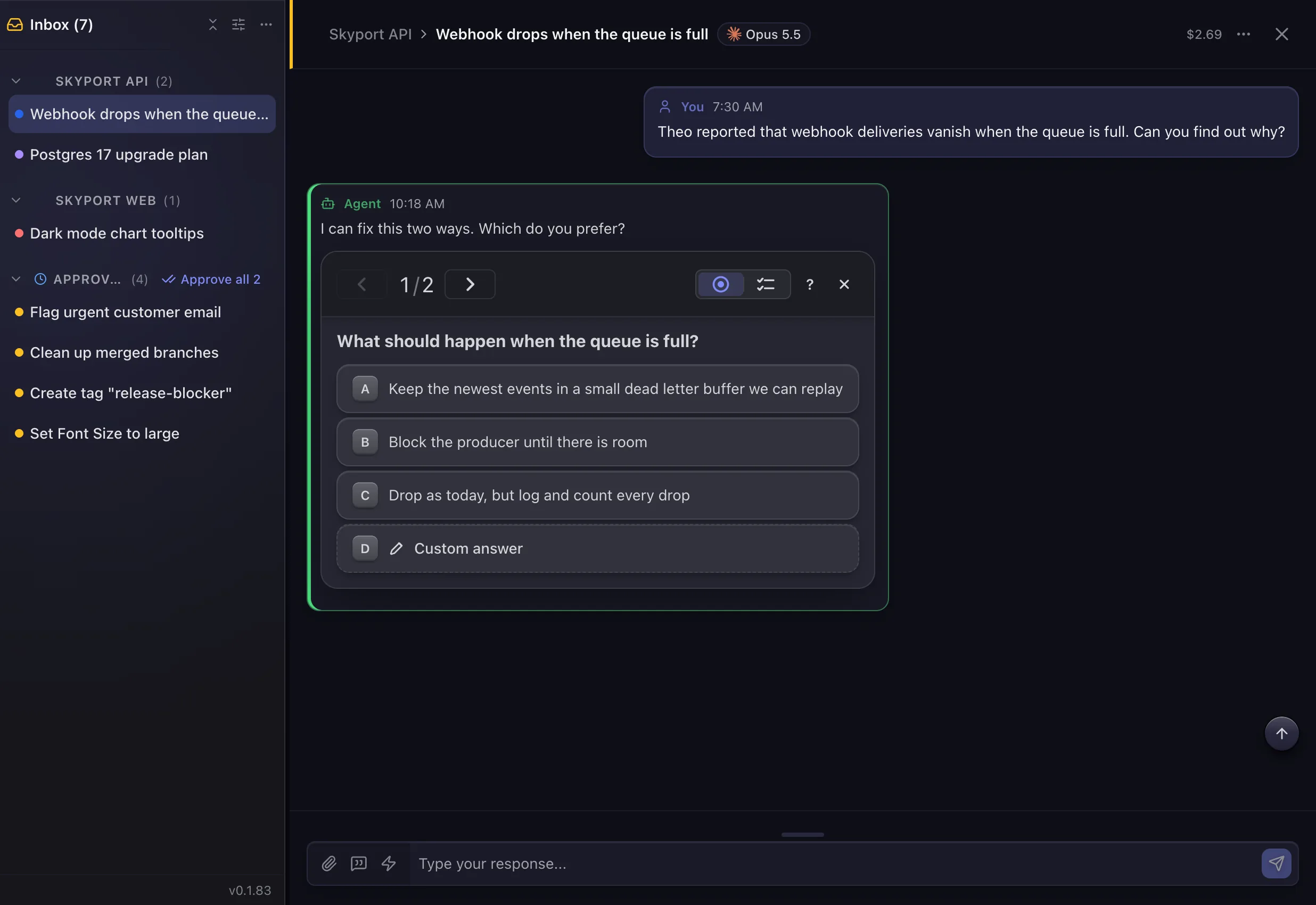
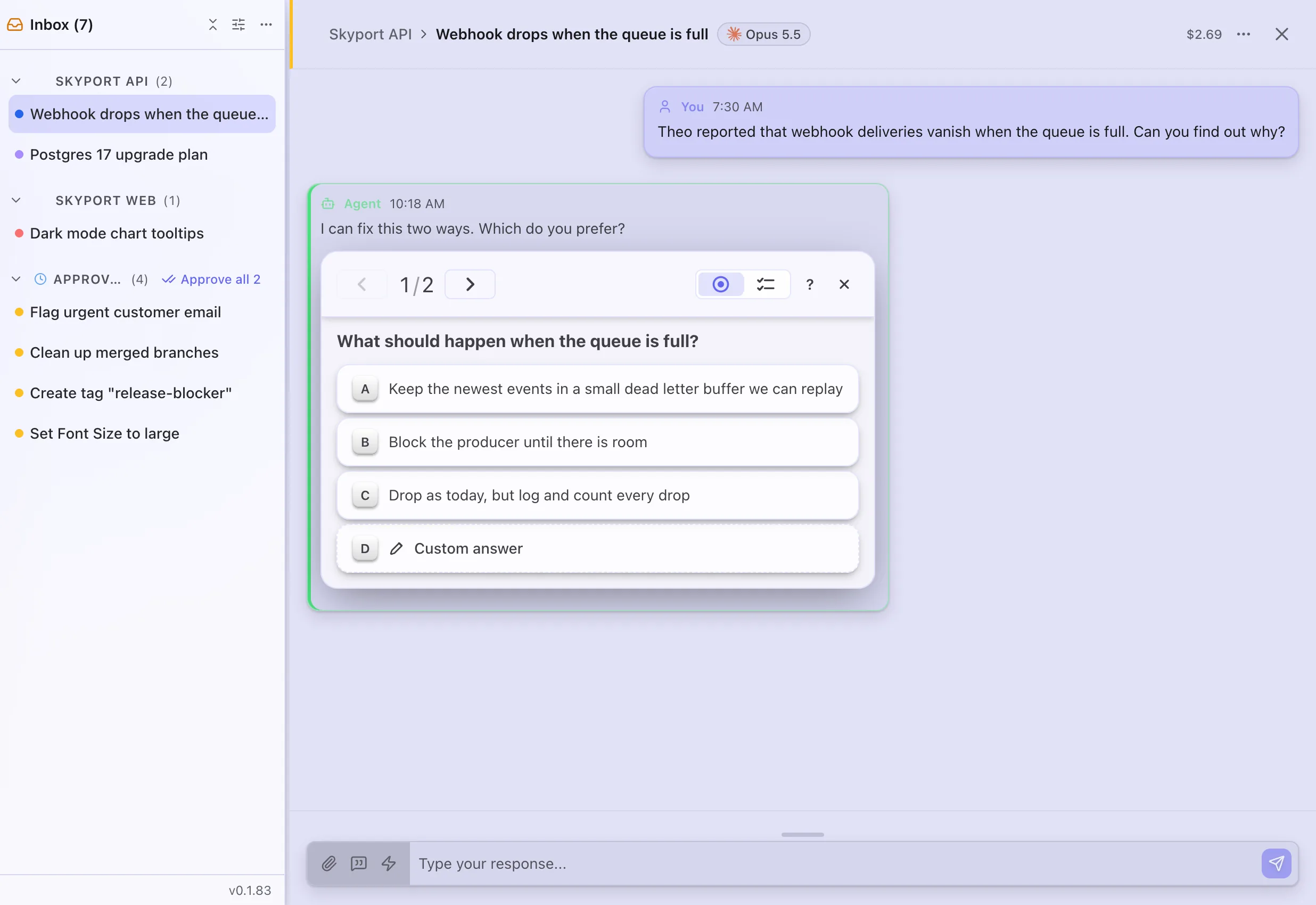
- InboxEvery question, approval and alert from your agents, in one list.
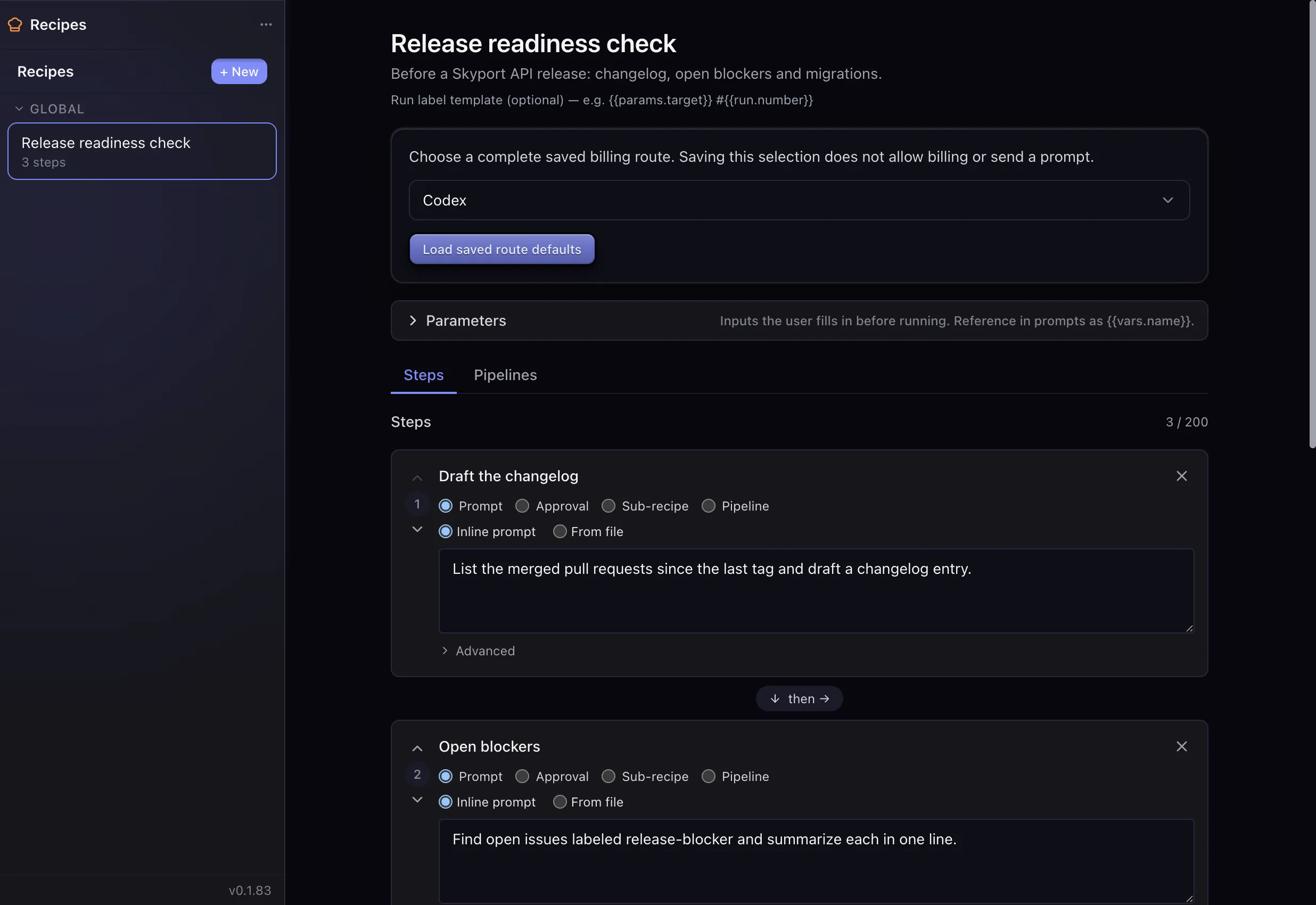
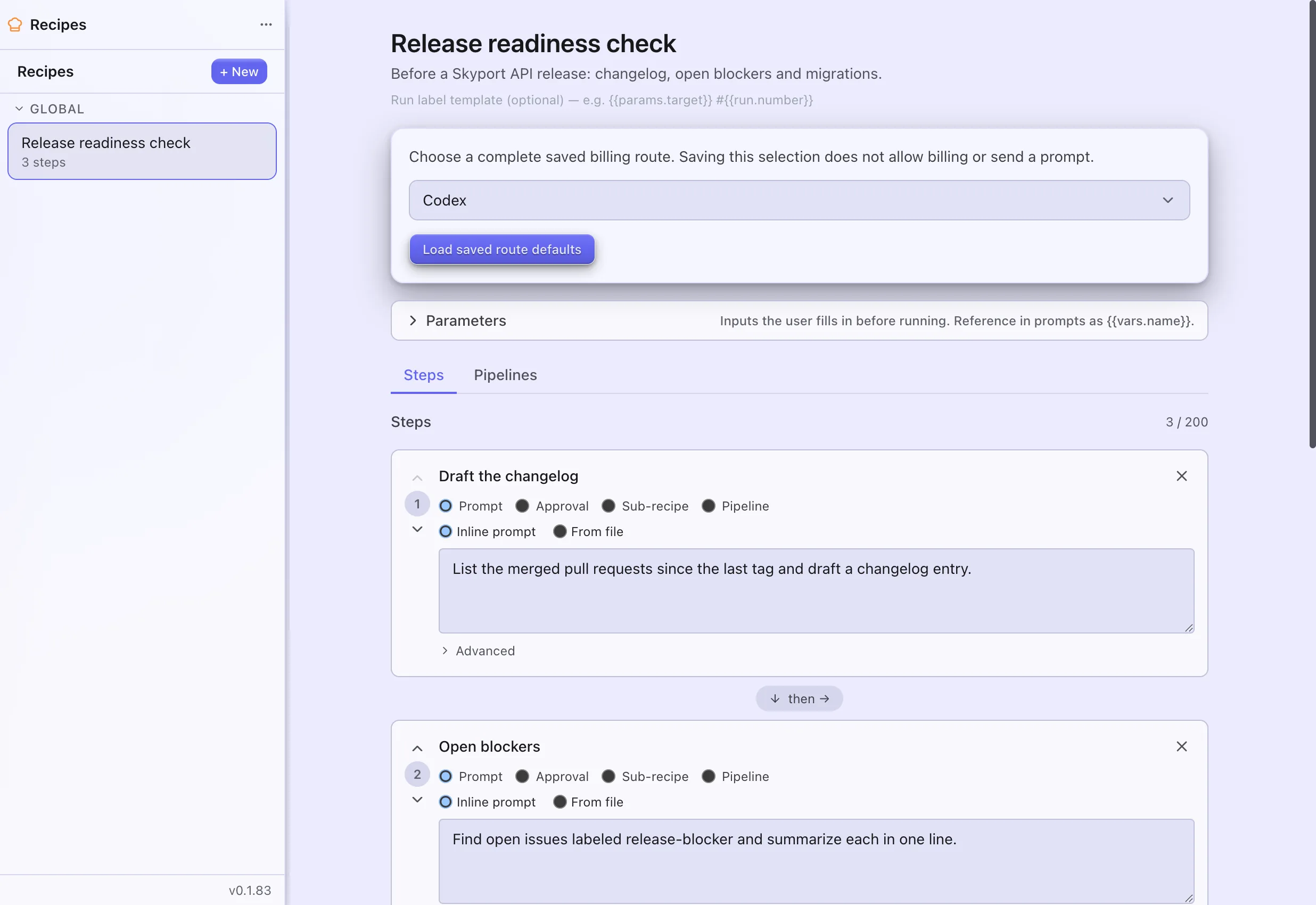
- RecipesSave a list of steps once, then run it whenever you like or on a schedule.
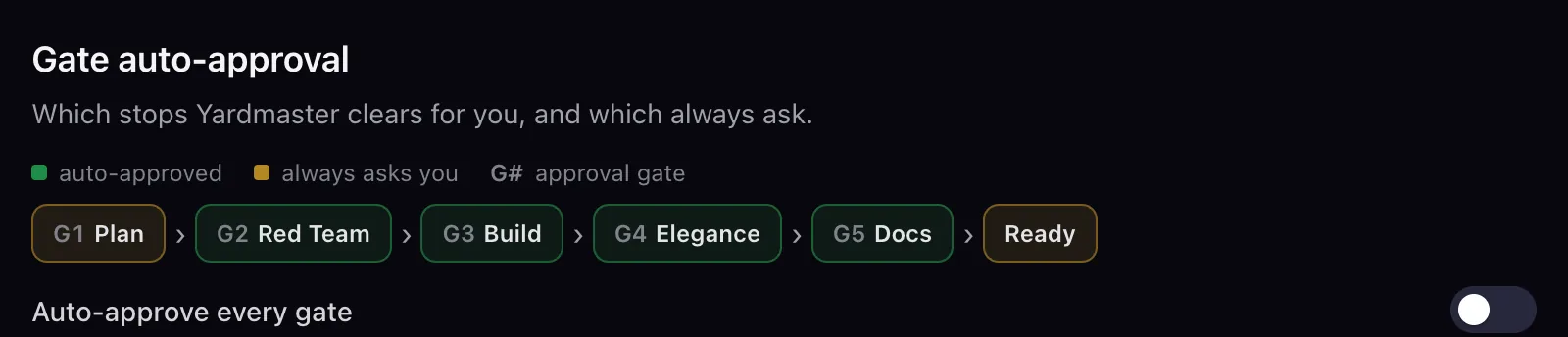
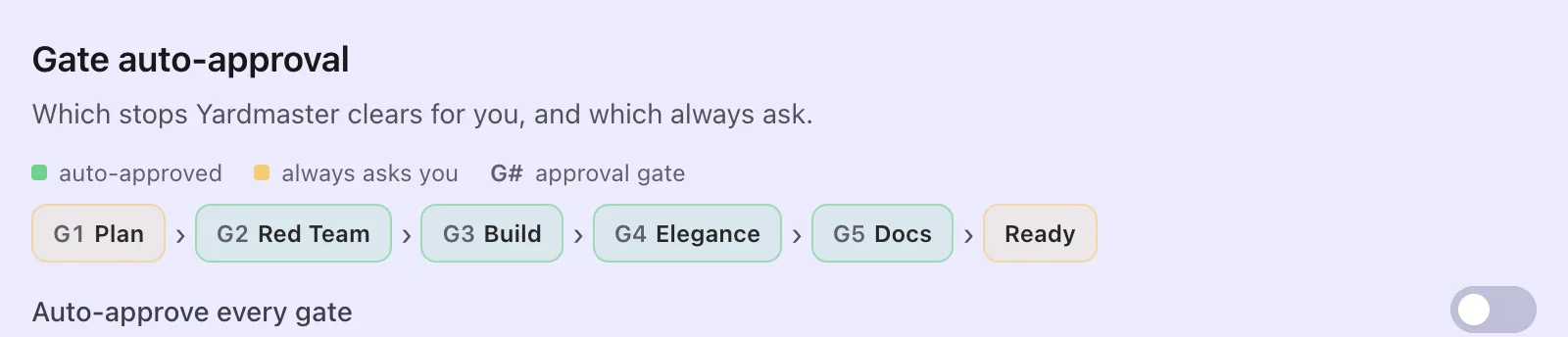
- Dev PipelinePreviewTakes a coding task through plan, review, build, polish and docs, and stops where you approve.
- Voice controlDictate replies and give spoken commands.


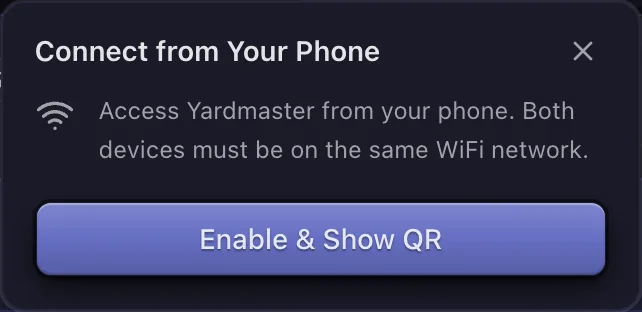
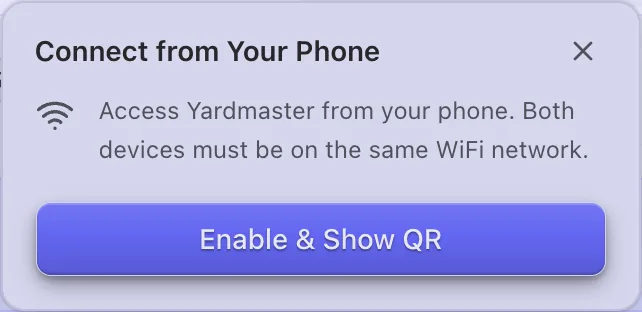
- On your phoneOpen Yardmaster on your phone and answer your agents from anywhere.
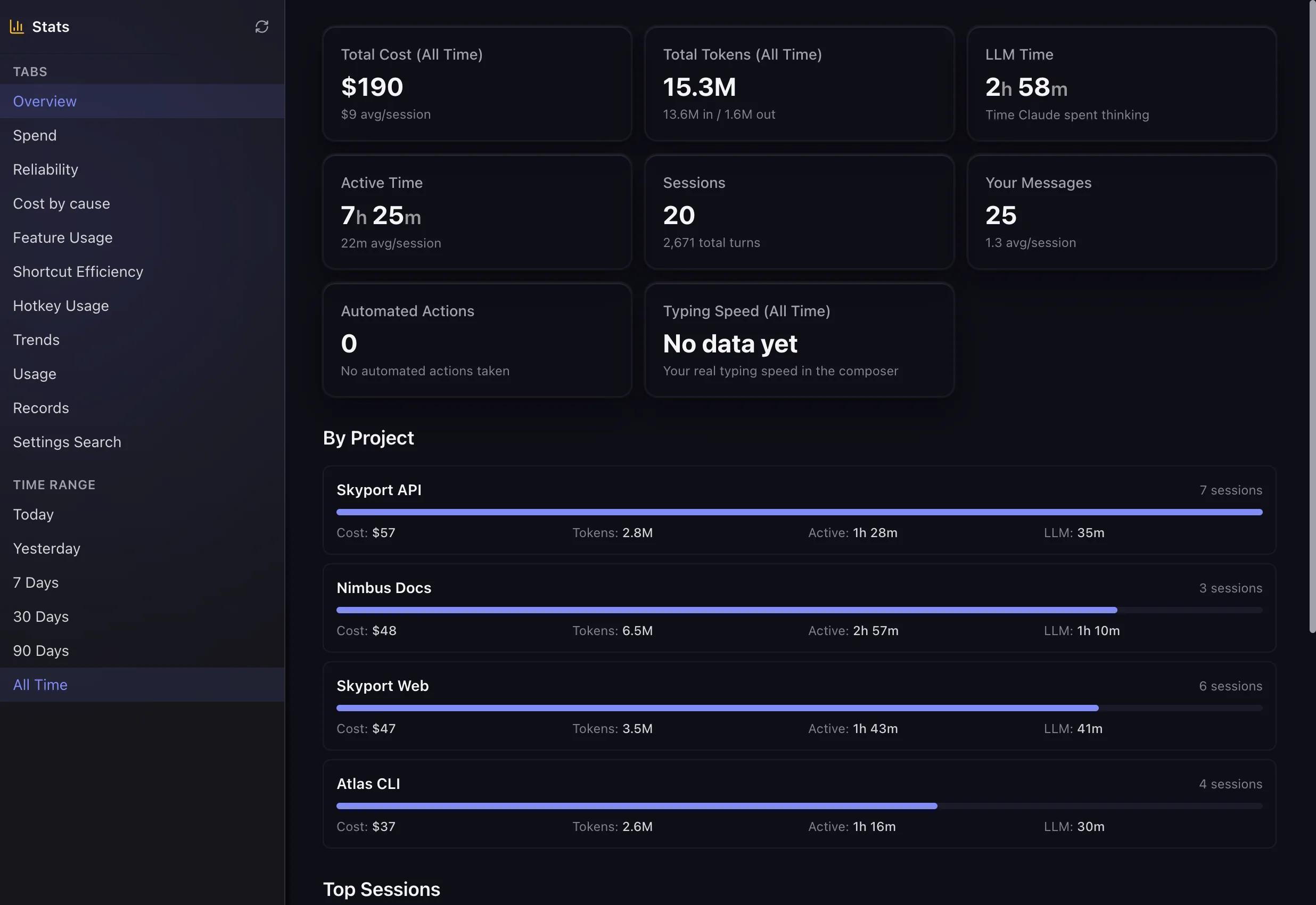
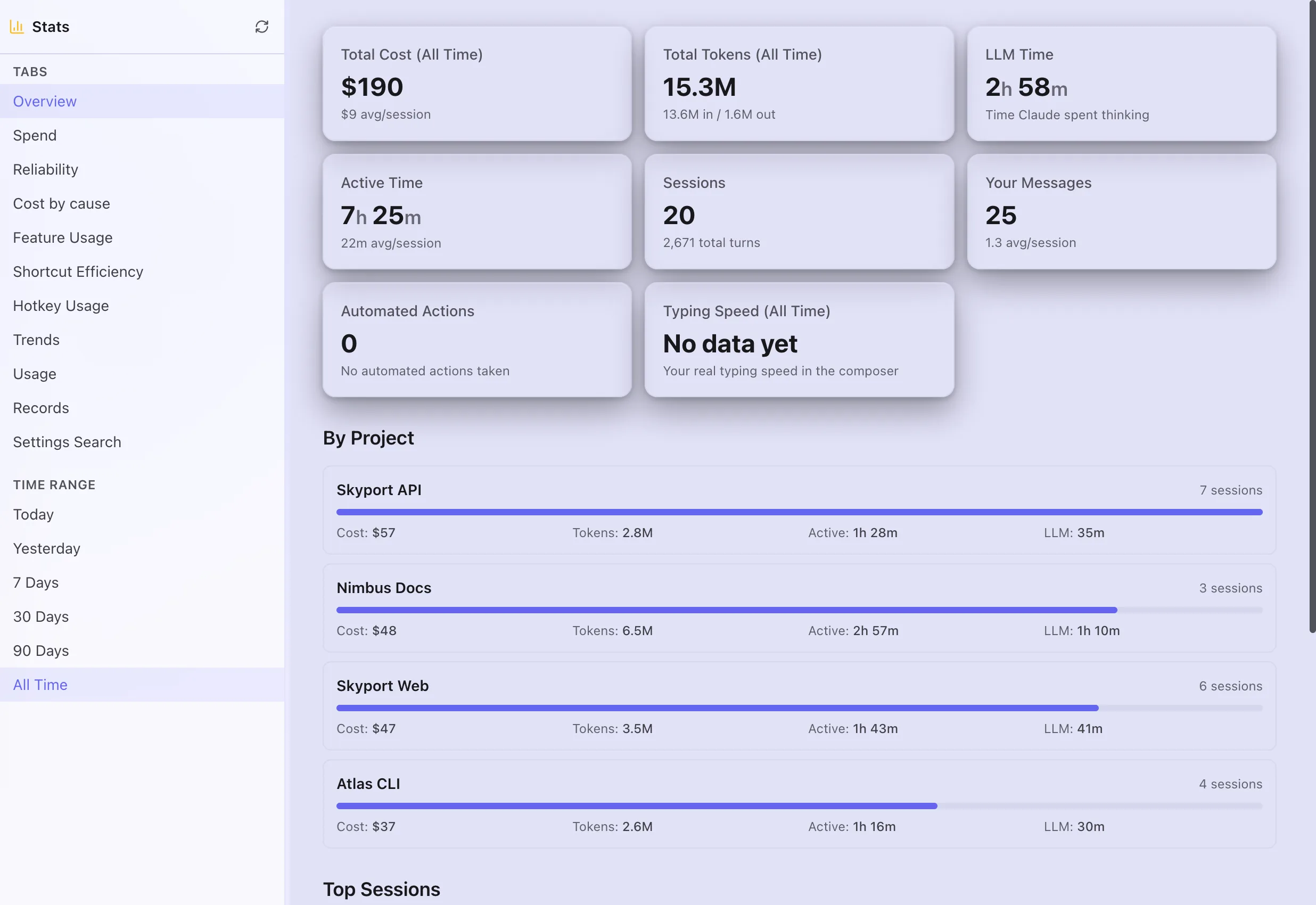
- StatsWhat your sessions cost, how long they took and how you work, for any time range.
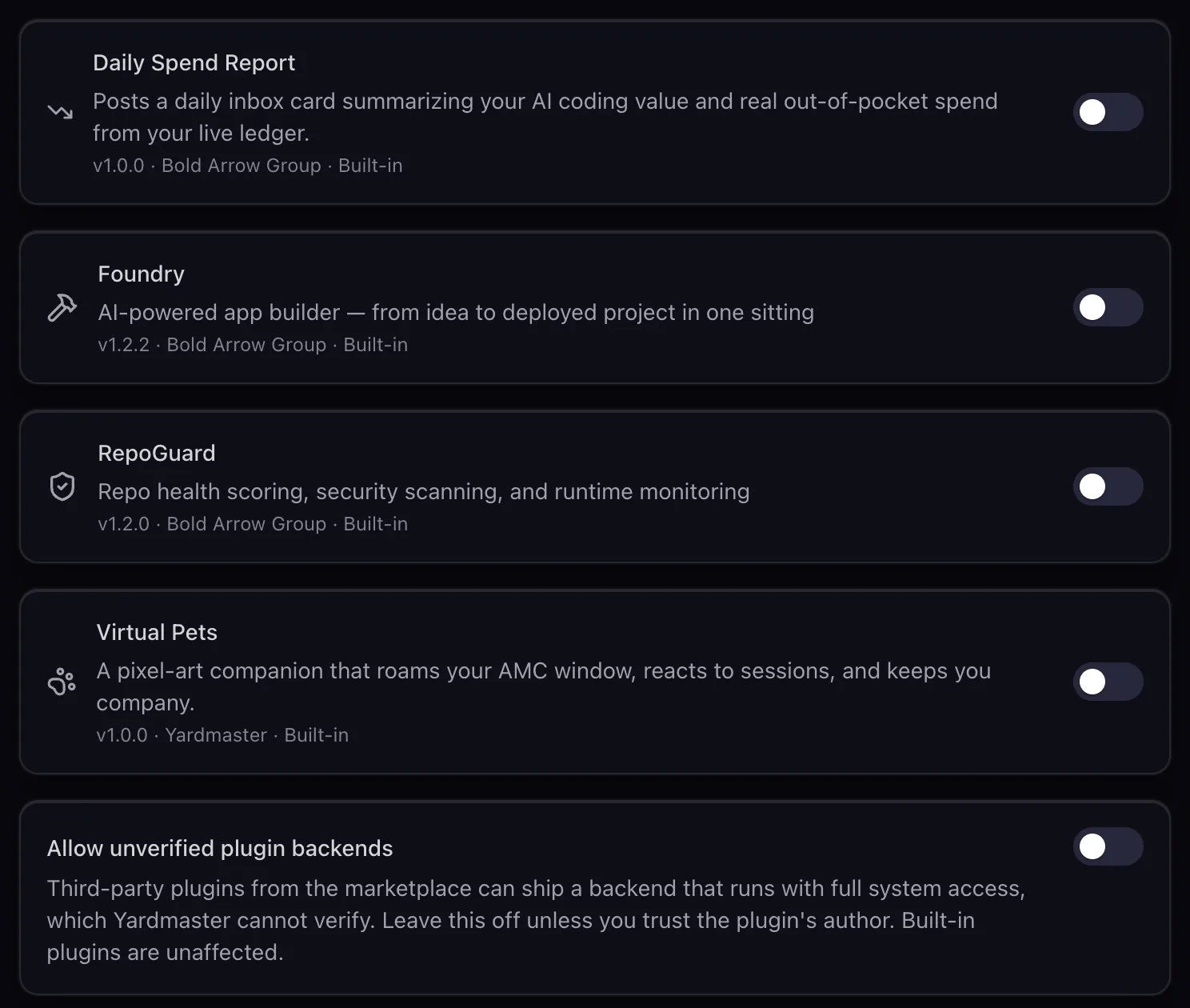
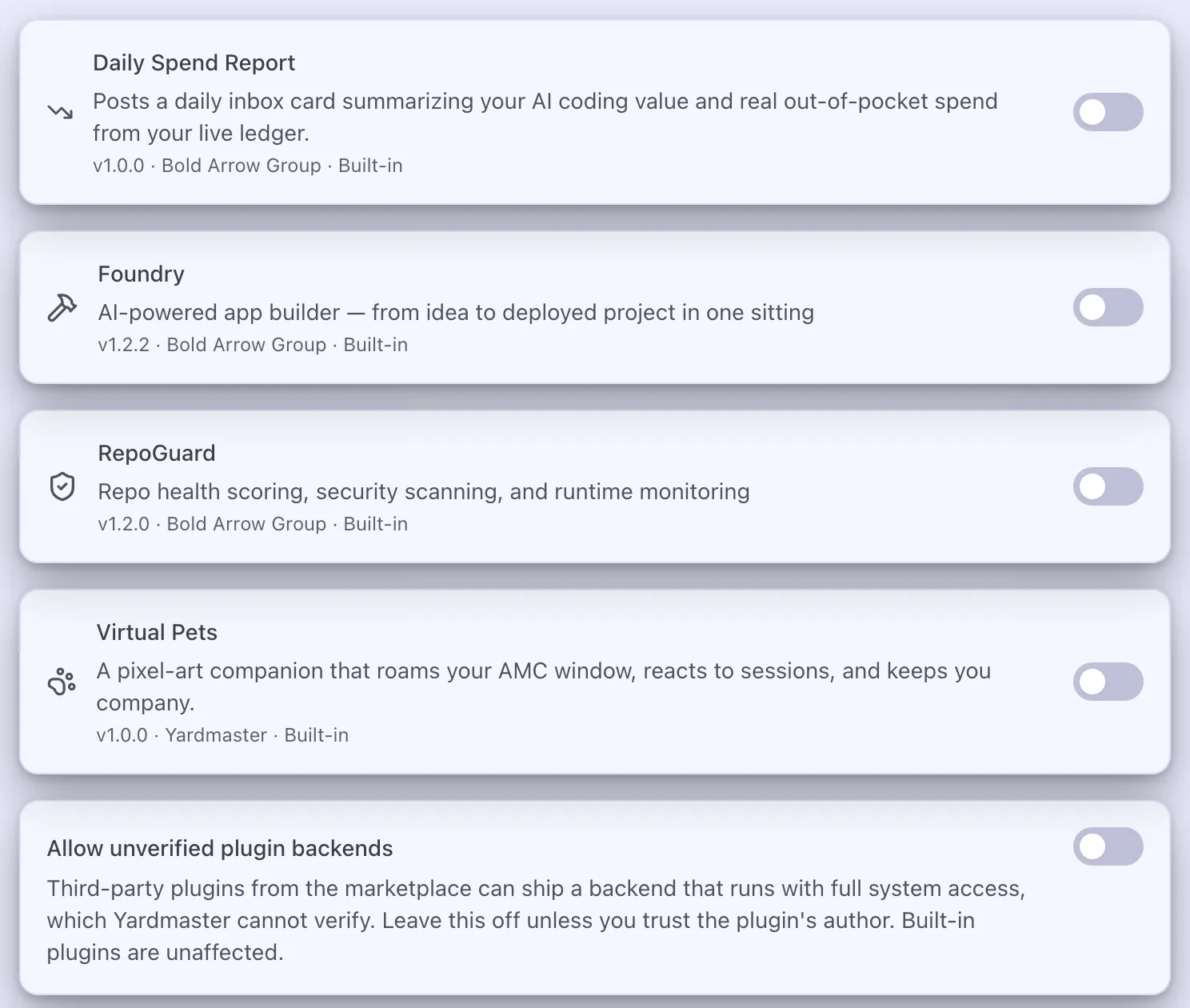
- PluginsTurn on the plugins that come with Yardmaster and see what each one may do.
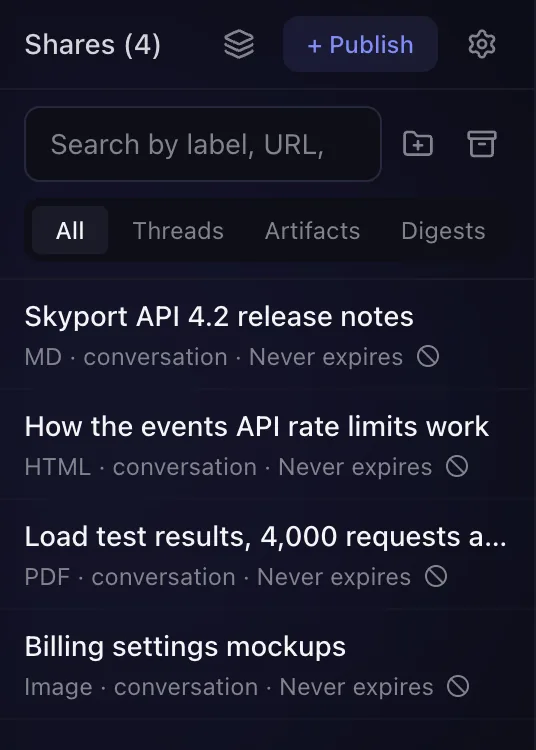
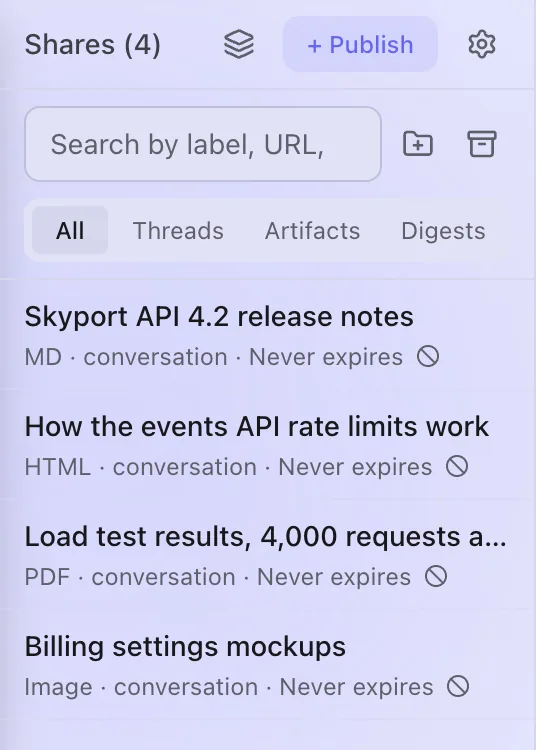
- SharesTurn a conversation into a read-only web page you share by link, open to anyone or locked by password or sign-in.
Browse everything
Ten areas, named for what you want to get done.
- 8 guidesStart hereUp and running in minutesWelcome to YardmasterInstall YardmasterPut Yardmaster on your phone
- 21 guidesRun your agentsStart, steer and juggle many agents
- 11 guidesStay on top of itHear only what needs you
- 19 guidesPut it on autopilotLet the work run itselfSee everything that runs on its ownAct on messages with rulesRun a cron job on a schedule
- 9 guidesCapture and organizeKeep ideas, notes and tasks in one place
- 23 guidesConnect your toolsPlug in the services you already use
- 20 guidesShare and publishShow your work to anyone
- 5 guidesCosts and usageKnow what you spend and why
- 6 guidesMake it yoursTune it to how you work
- 11 guidesFix itGet unstuck fast
What's new
The newest changes in this Guide.
- NewSigned-in readers of a Google sign-in Share can now copy its text to paste into an AI chat, or make a one-hour link their AI can read. Open the Reader menu on the page. If you own the Share, you can turn this off for it with the Allow AI reading switch in Access settings.
- NewFull Send lets one chat work without asking about anything, sensitive files included. Pick it from the arrow next to Allow, or from Chat permissions in the chat menu. Yardmaster warns you first, shows a red badge while it is on (click it to turn it off), and turns it off when the chat ends or the app restarts. "Allow everything in this chat" now says plainly that it still asks before passwords, keys and logins.
And 67 more changes.
- NewA Share can now turn on Auto-refresh, so people who have a live dashboard open see each new version on their own within about 30 seconds.
- NewA Share can be set to Google sign-in, so it opens only for people from the email domains you list, or for people you name one by one.
And 20 more changes.
- NewA Share series can now have a Full build homepage, an original page written after reading the series in full, next to the Quick and AI-designed choices.
- NewEach PR card in the PR Merge Queue can start a Review with agent or a Fix CI session, only when you click.
And 10 more changes.