
Yard Terms
What the words in Yardmaster mean, in plain language, from A to Z.
35 terms. In any guide, a word with a dotted underline is one of these: hover over it or tab to it to read what it means.
A
Agent
The AI that does the work in a session: it reads and changes files in your project and runs commands. Claude (Claude Code) is the default, and you can turn on other AI engines.
Read moreAlarm
A reminder that rings at the time you choose, once or on a repeat, with a sound and a window you cannot miss. It never starts an agent.
Read moreApproval
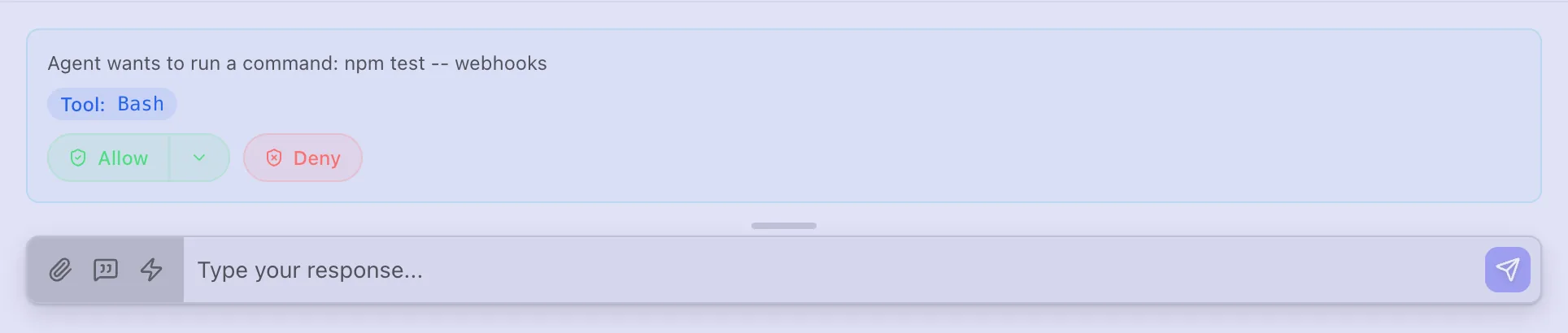
A request from an agent to do something that could change things you care about, such as running a command or changing a Yardmaster setting. You allow or deny it, in the chat or in the Inbox.
Read more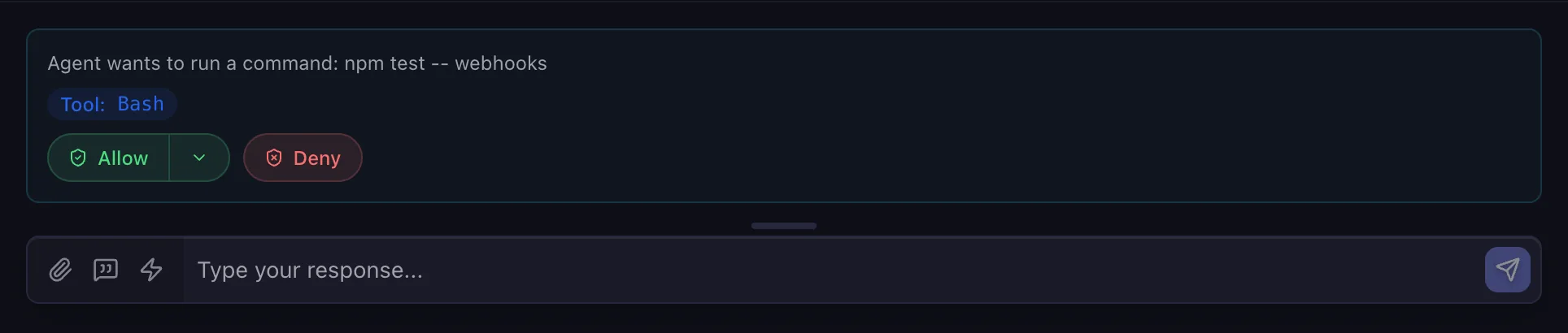
Auto-reply
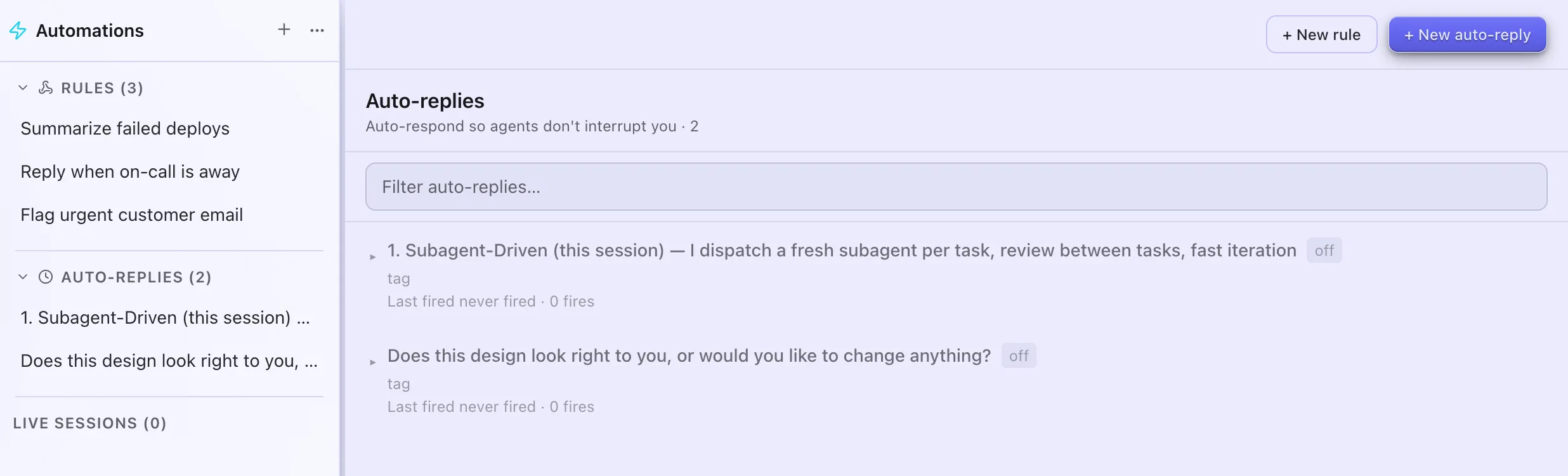
A rule that acts when an agent ends its turn with a phrase you chose, such as replying "Yes, continue" for you. It used to be Away Mode, and today it only runs where Away Mode was turned on.
Read more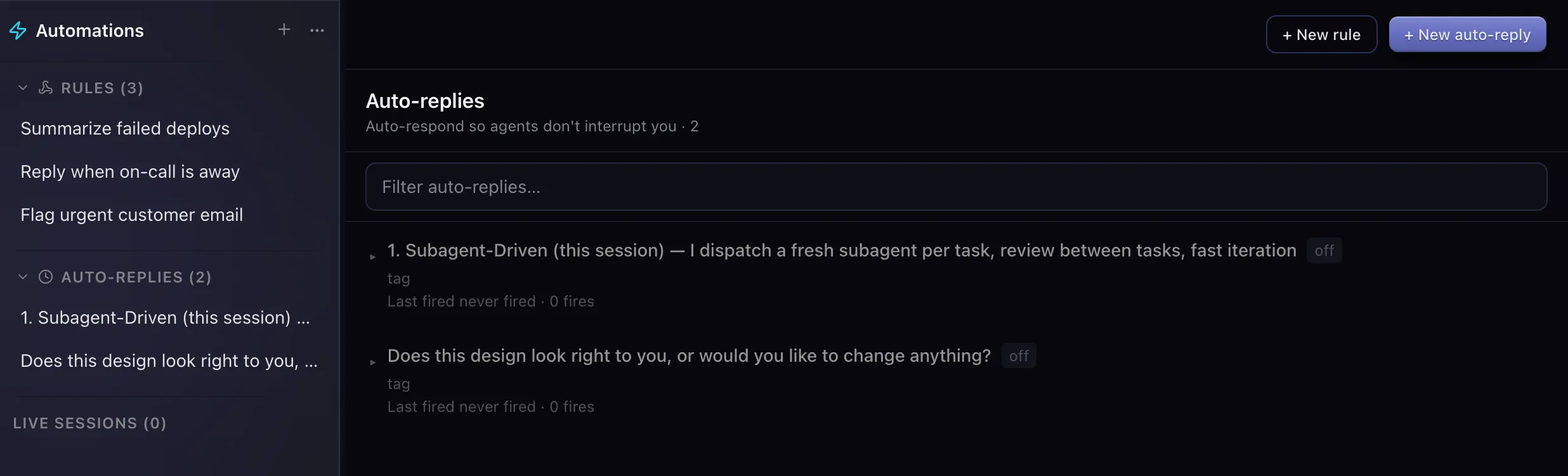
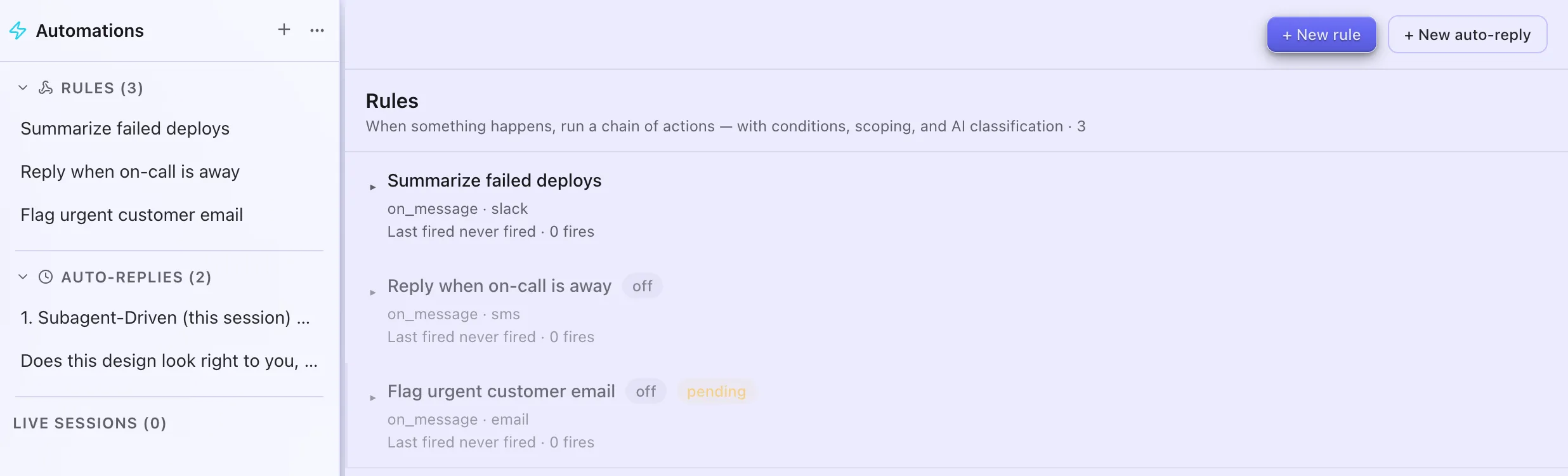
Automation
A rule that acts when a message comes in (texts, Gmail, Slack, RSS or webhooks), a session reaches a status, a board item changes, or you run it: it can archive, notify you, reply, forward or start a session.
Read more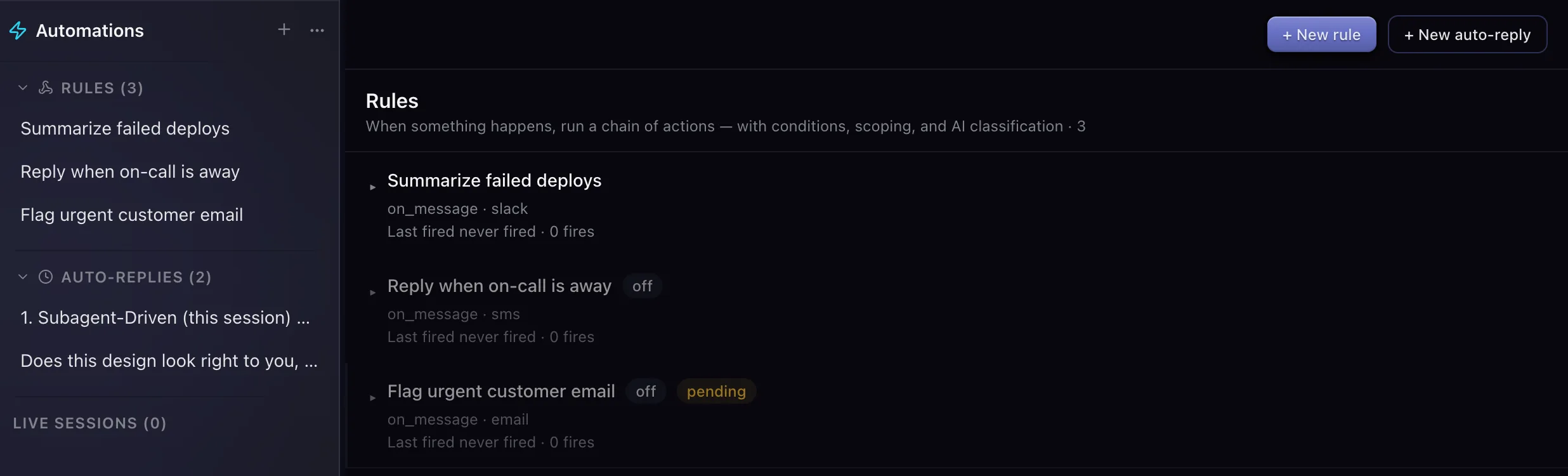
B
Backup Mirror
Keeps an encrypted copy of all your Yardmaster data in a folder you choose, such as a Dropbox or OneDrive folder, so a broken or new computer loses nothing.
Read more
C
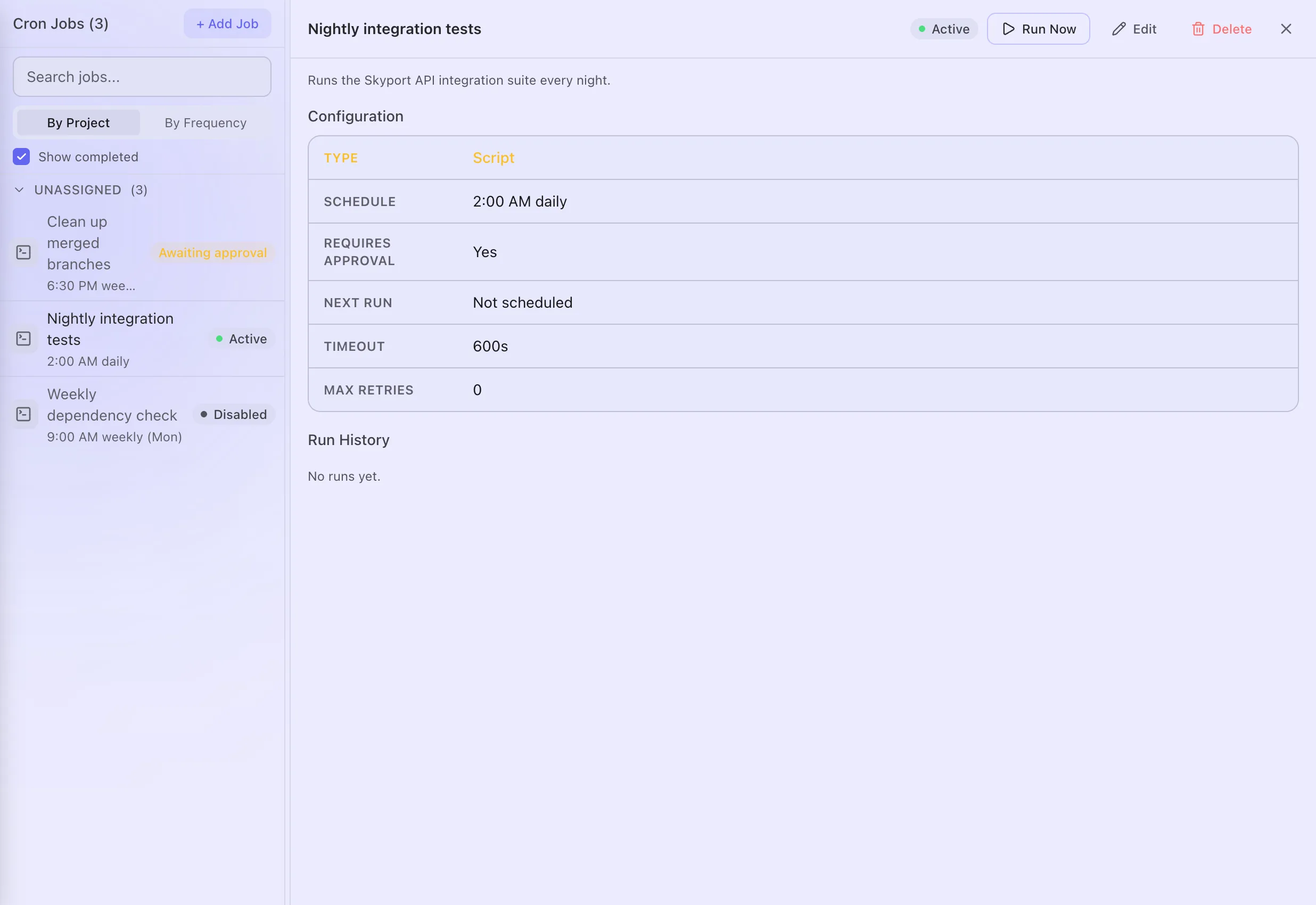
Cron job
Something Yardmaster runs at the times you choose, such as every weekday at 9am: a command, a recipe or an agent session. It runs only while Yardmaster is open.
Read more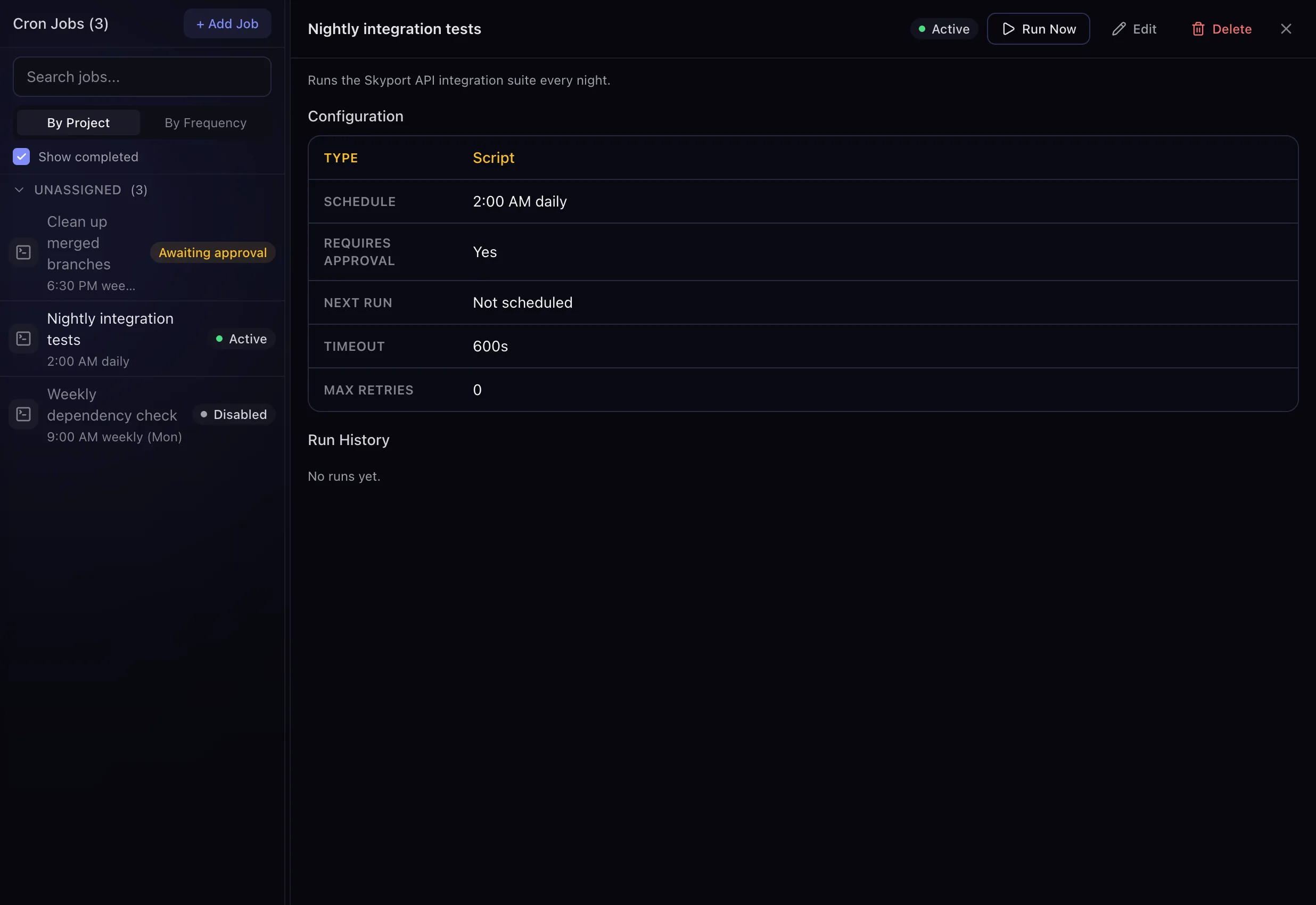
D
Dev PipelinePreview
For building software with agents: it walks a coding task through plan, review, build, polish and docs on its own copy of the code. It stops at a branch ready to merge and never merges by itself.
Read moreDrip
A list of notes, links and files that Yardmaster releases into your Inbox a few at a time, on a schedule you choose, instead of all at once.
Read more
F
Focus Mode
Holds back "needs you" alerts and releases them together, after a few pile up or some time passes, so you can work without interruptions.
Read more
H
House RulesPreview
Spots the corrections you keep giving your agents, like "use pnpm", and proposes standing rules. Once you approve one, every new session follows it.
Read more
I
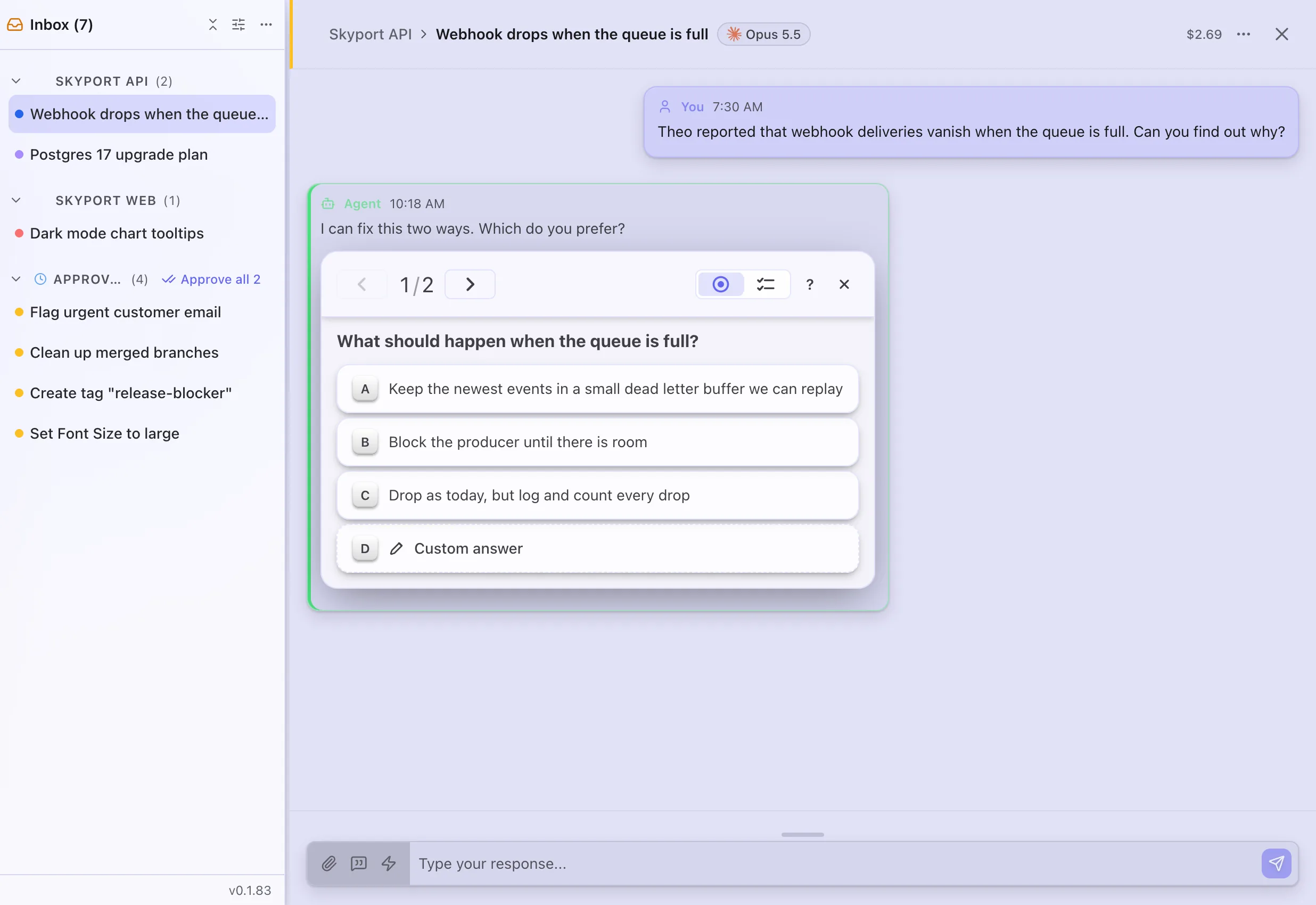
Inbox
The one list of everything waiting for you: agents with a question, requests to approve, alerts, and messages from the tools you connected.
Read more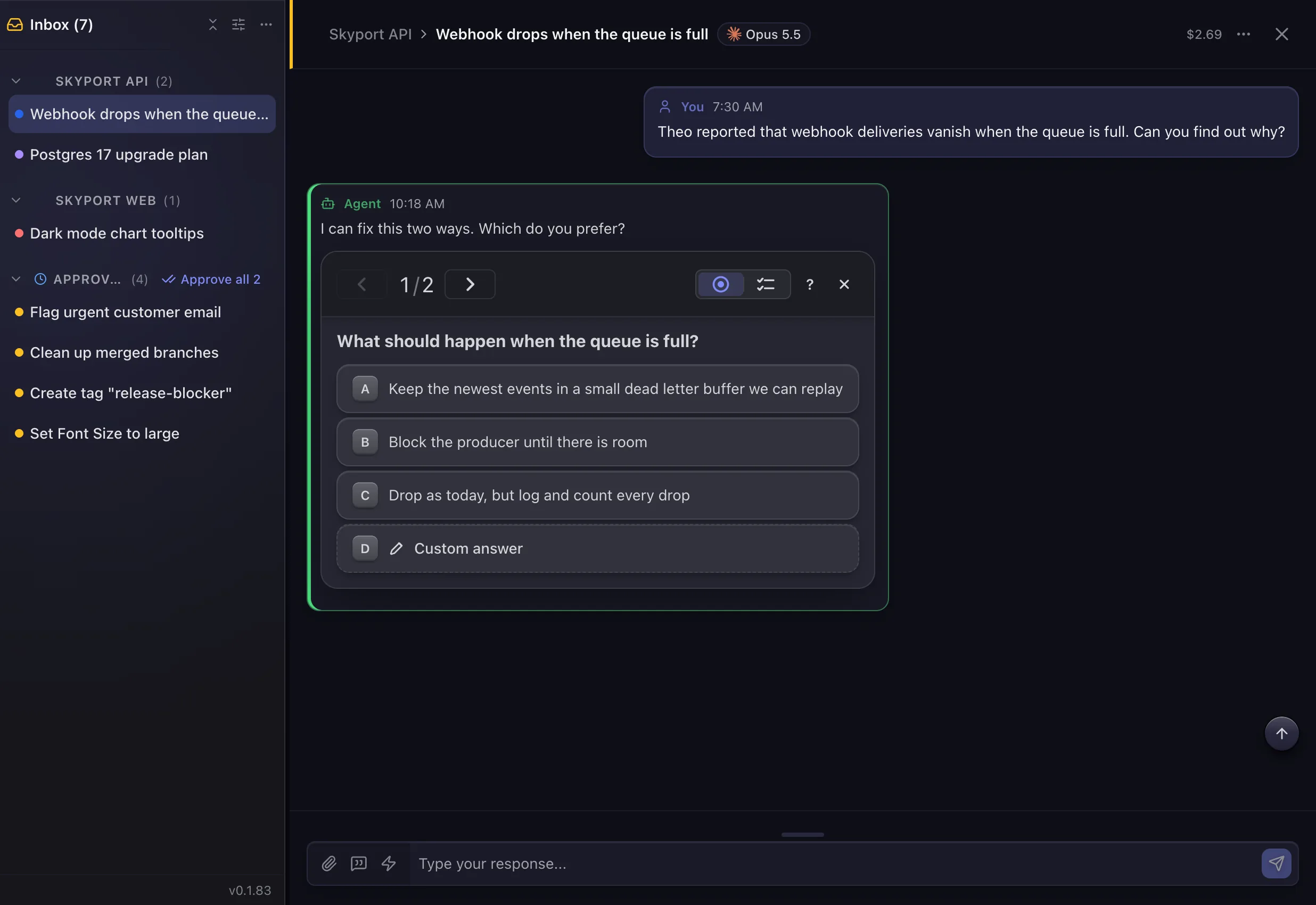
Inbox PilotRetired
An older feature that used AI to sort your Inbox items for you.
Retired in July 2026: it is off and has no switch. Everything that needs you now waits in the Inbox.
Read more
L
Lite mode
A setting for a less powerful computer: it turns on Low Power Mode, holds new sessions when memory runs low and loads sessions more gently.
Read moreLook
One of nine whole-page styles for a Kit share, such as Editorial, Newspaper or Retro Terminal. You can change a published share's look without changing its link.
Read more
M
MCP server
An add-on program that gives your agents extra tools. Agent Tools > MCP Servers lists yours and flags any that keep failing.
Read more
N
Needs You
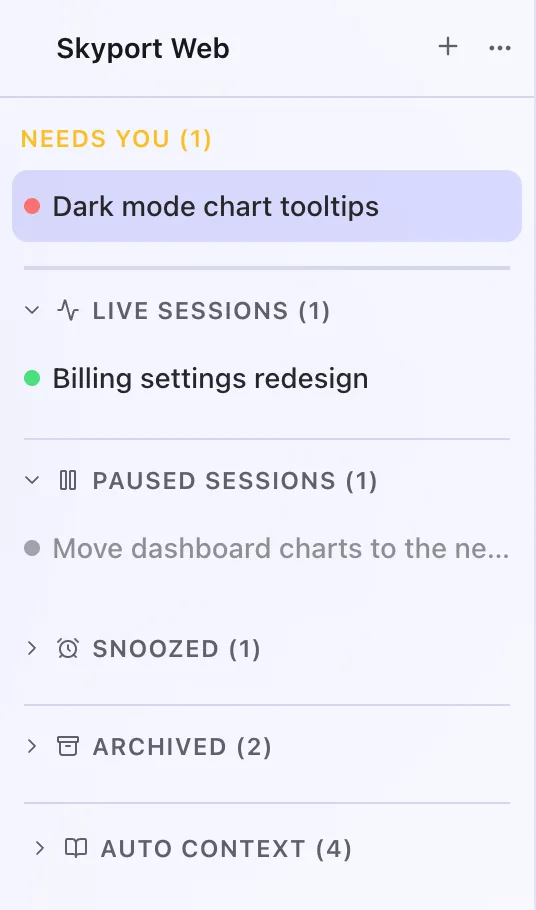
The amber session status that means the agent stopped for you: it has a question, wants permission, or wants you to approve a plan. These sessions also show in your Inbox.
Read more
P
Plain Speak
Adds a short card to each agent reply that sums it up in plain words, with what to do next. It is off until you turn it on.
Read morePlugin
An add-on that gives Yardmaster a new feature, such as RepoGuard or Daily Spend Report. Four come with the app, and you turn each one on yourself.
Read morePortable BackupPreview
Saves all your Yardmaster data in one encrypted file that you carry to another computer yourself, on a USB stick or a cloud drive.
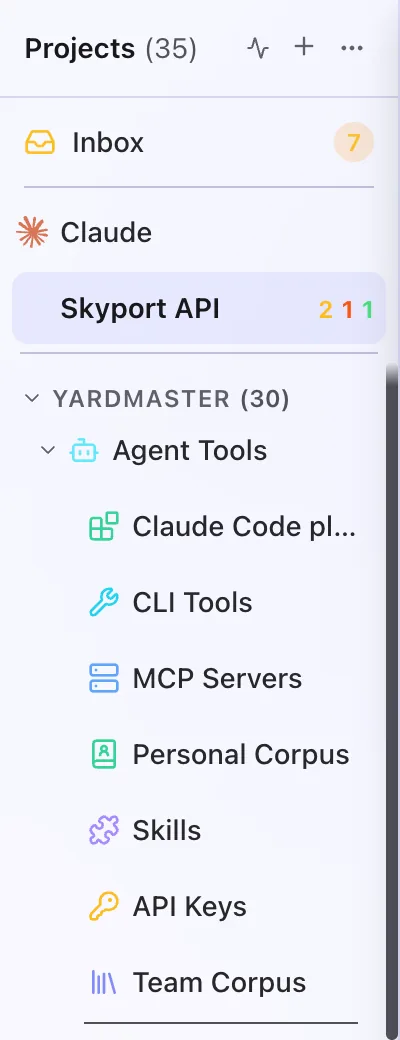
Read moreProject
A folder on your computer that your agents work in. Every session belongs to one project, and the sidebar lists your projects.
Read more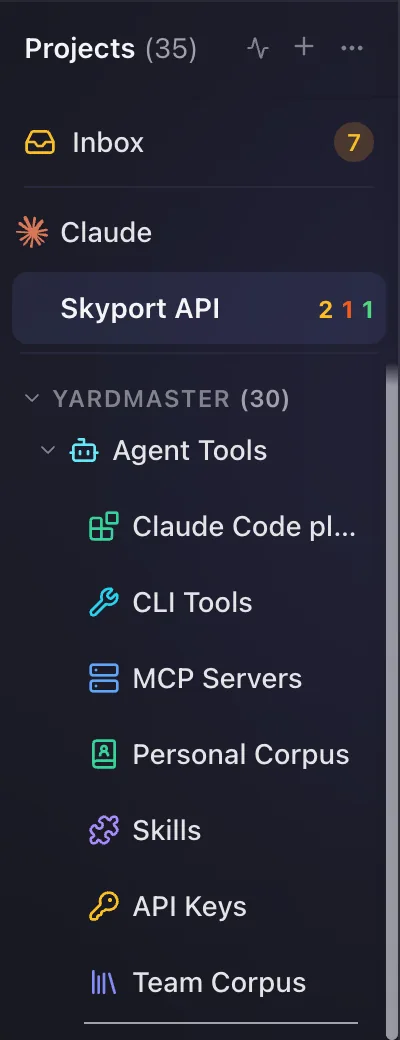
Q
Quick Launch
A small window you open with one key, from any app, to start a session or add an alarm, a task or a calendar event without switching to Yardmaster.
Read more
R
Rate limit
How much your Claude plan lets you use in a stretch of time. A session that reaches it shows Rate Limited (orange) and carries on by itself when the limit resets or another of your accounts has room.
Read moreRecipe
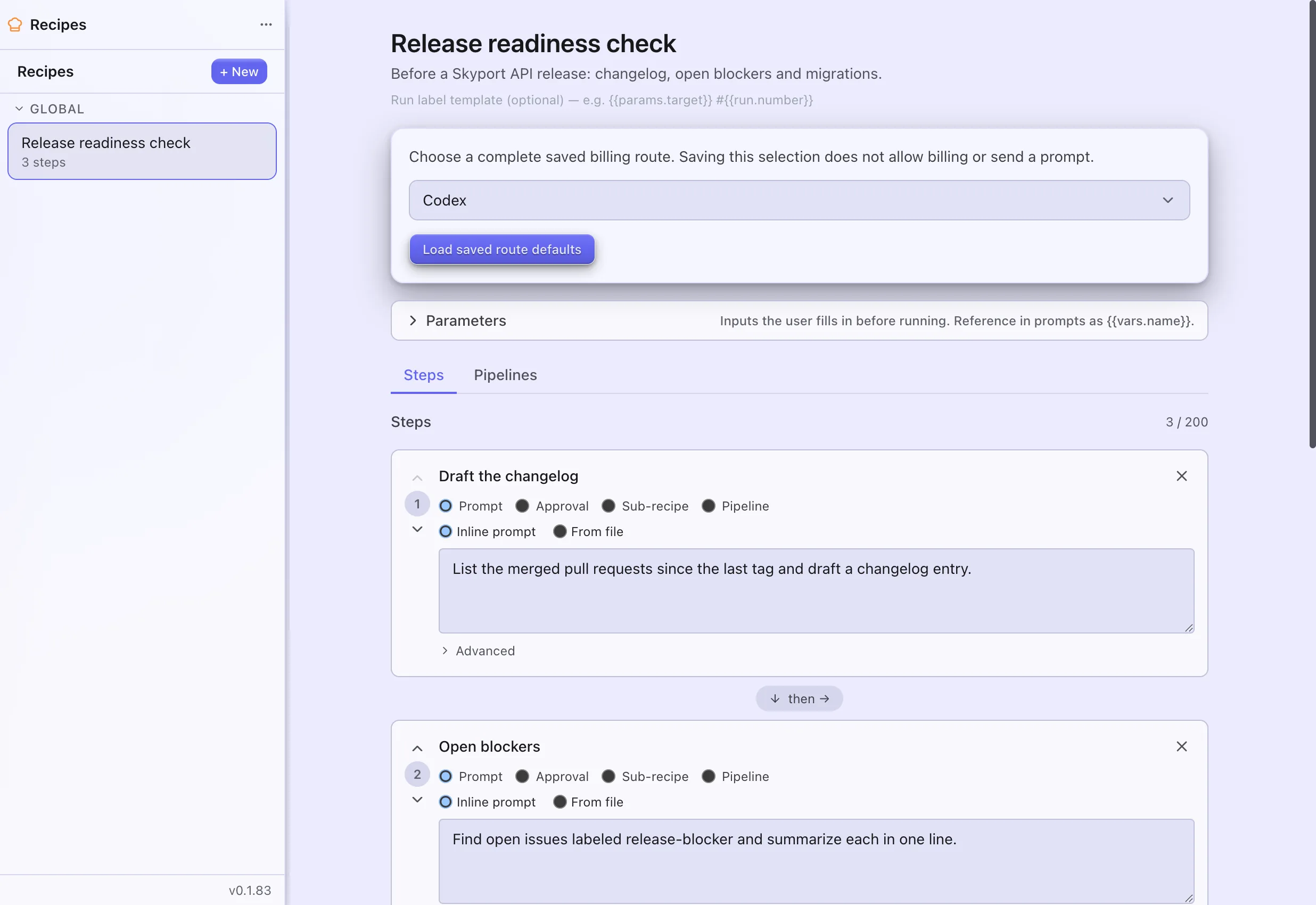
A saved list of steps your agents work through in order, such as gather, check, then report. You run it whenever you like, or on a schedule.
Read more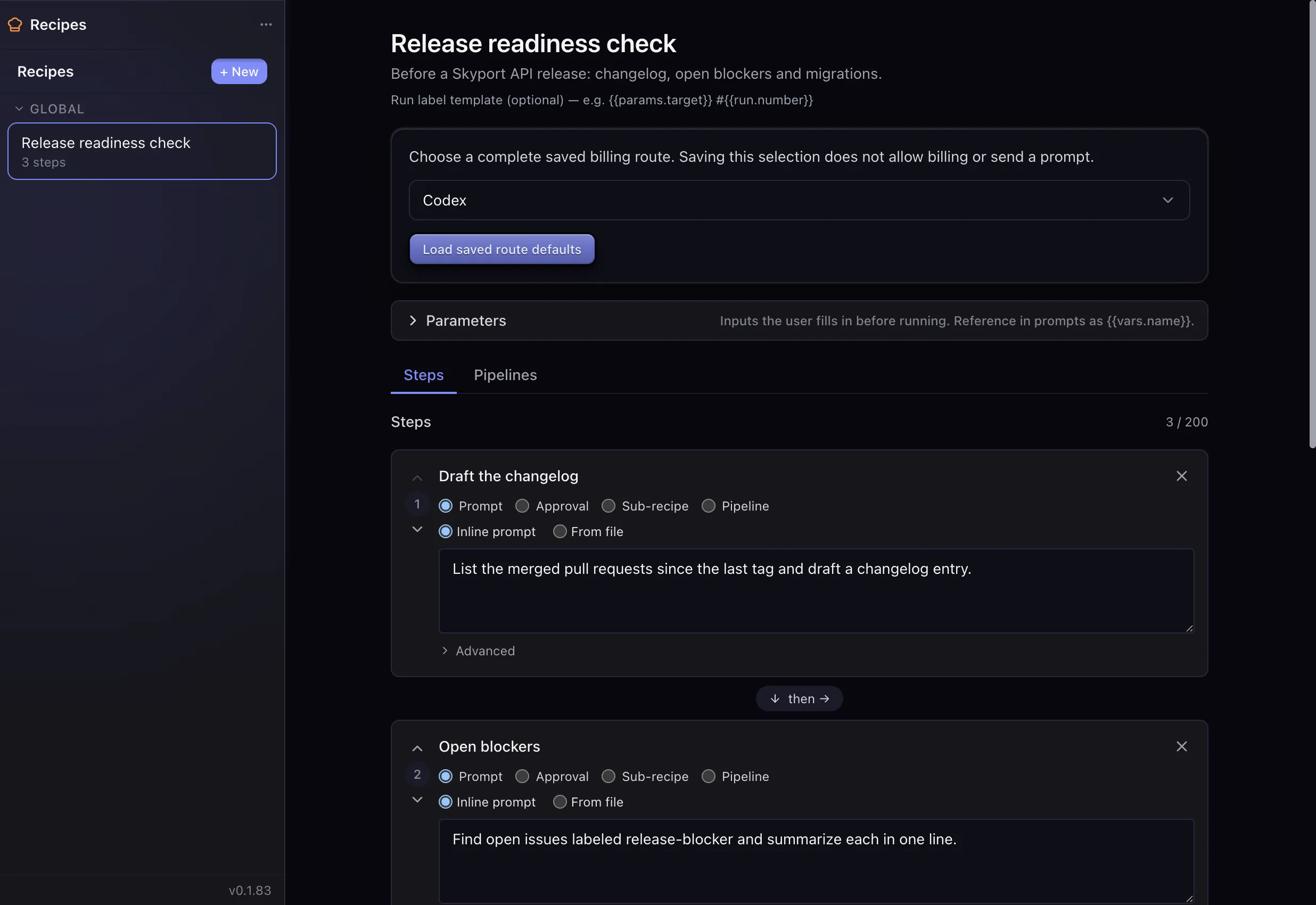
S
Safe Mode
Restarts Yardmaster with its automations and integrations switched off, so you can look around and fix what is wrong. You can still read and run sessions yourself.
Read moreScratchpad
A quick note you jot in Yardmaster to catch a thought before you lose it. Scratchpad notes stay on this computer; only Backup Mirror, if you set it up, copies them (encrypted) to the folder you pick.
Read moreSession
One conversation with an agent, working in one project. Each session shows a status, and you can pause, snooze or archive it.
Read more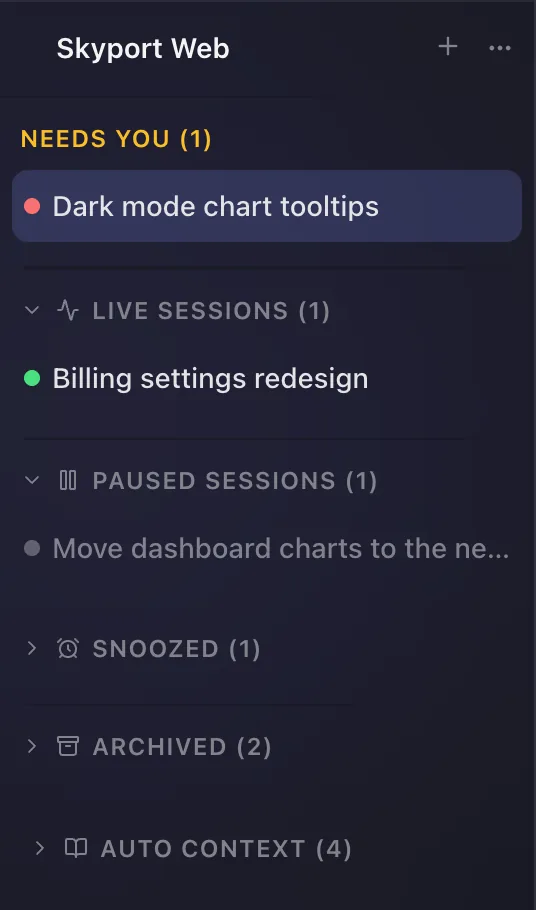
Skill
A short instruction file that teaches Claude how to do a particular kind of task. Claude opens a skill only when it fits what you asked.
Read moreSuper Prompt
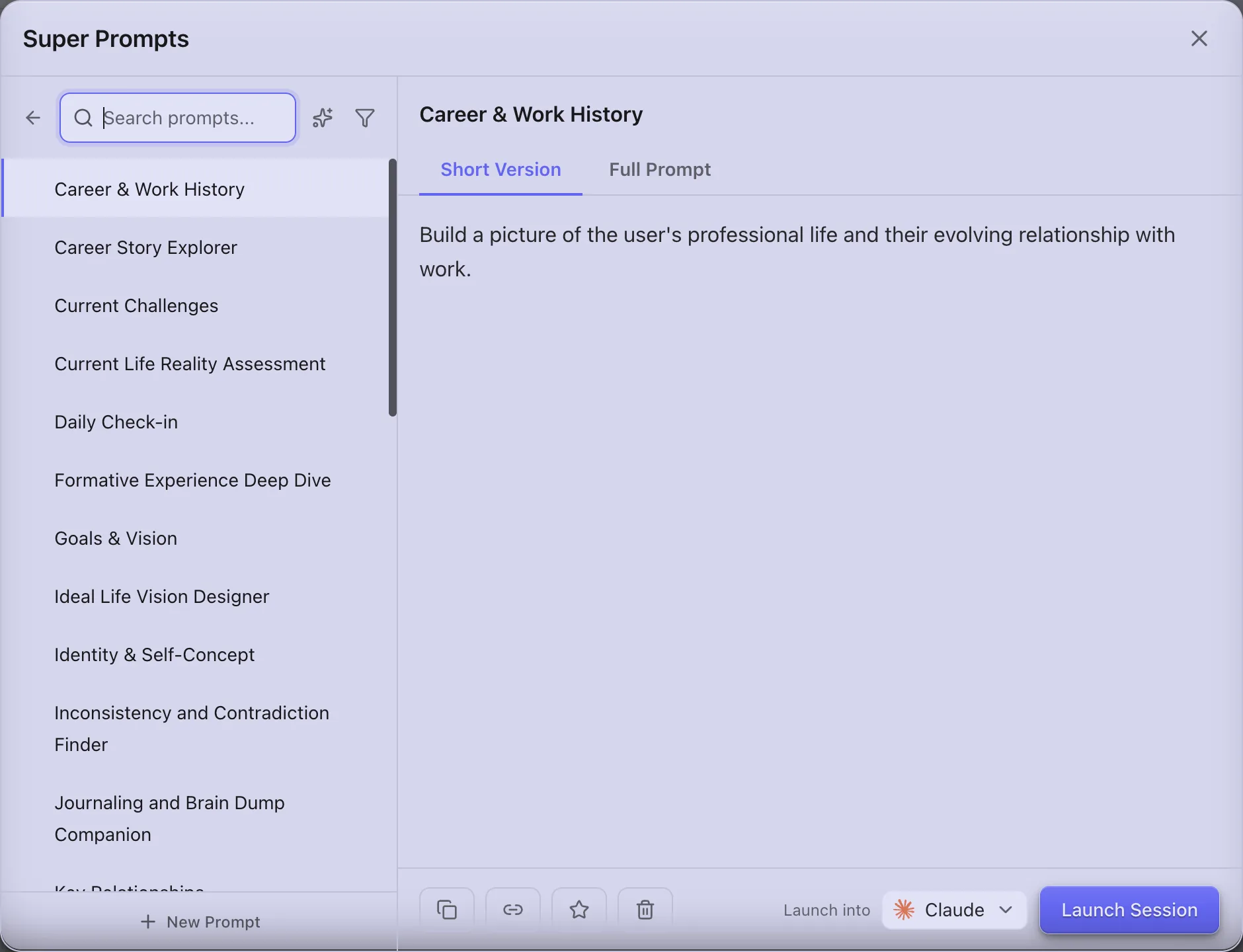
A long, ready-to-run prompt you keep in a library. Pick one and Yardmaster starts a new session with it already sent.
Read more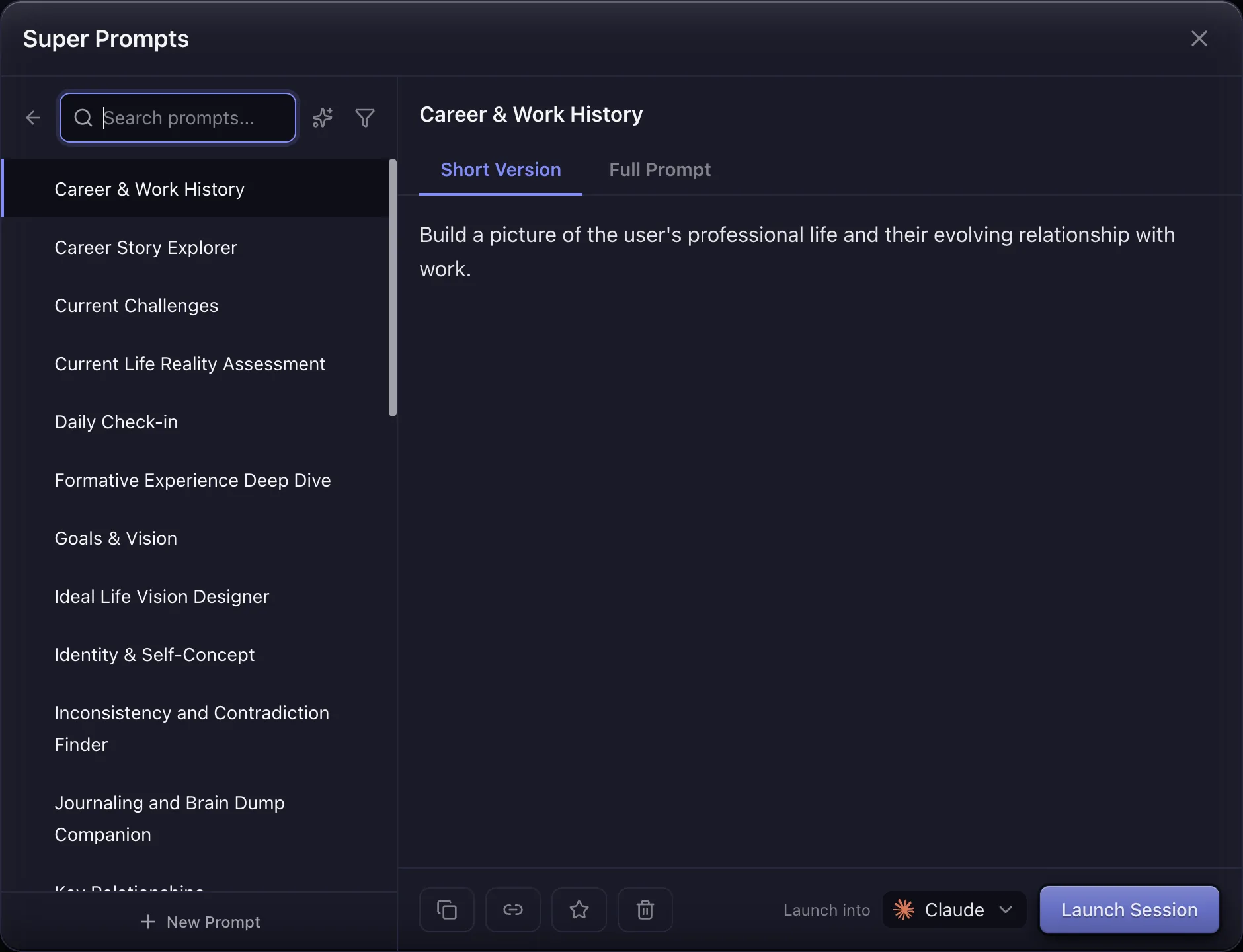
Sweep
A scheduled check of your Confluence spaces or Jira projects that tells you what changed and what needs you. It runs, and spends, while nobody watches, within limits you set.
Read more
T
The Vault
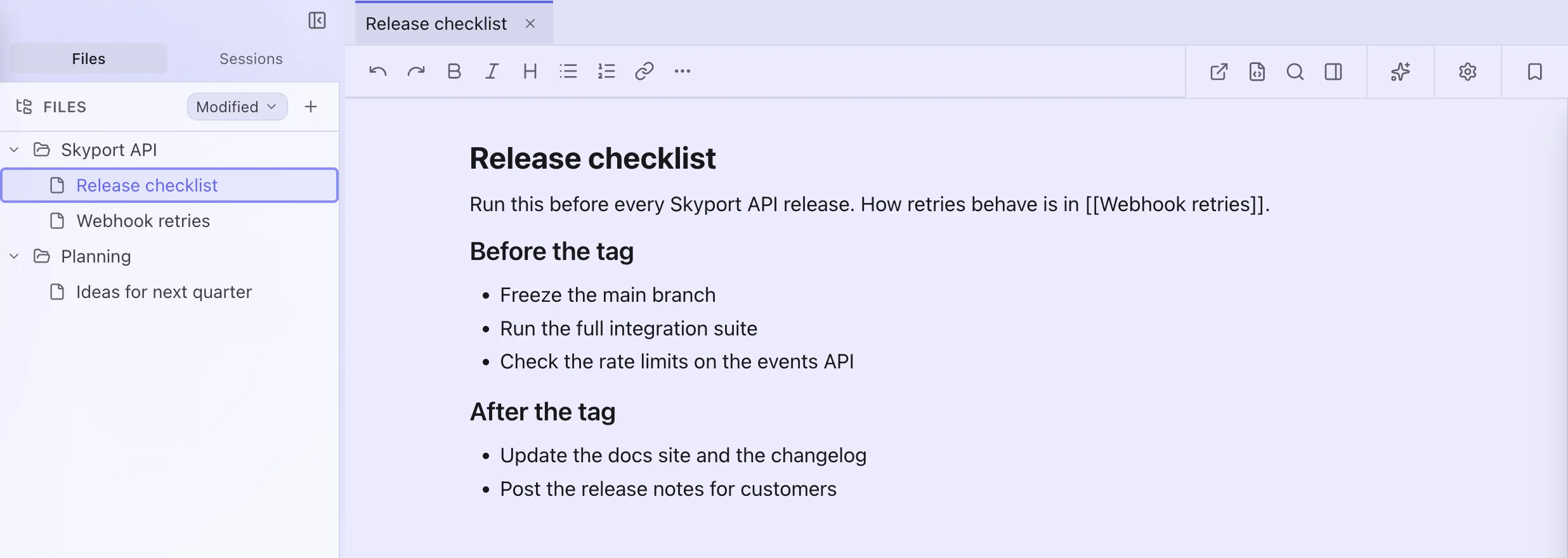
A notebook inside Yardmaster: it opens a folder of Markdown notes on your computer, with an editor, links between notes and search. A few screens still call it KMS.
Read more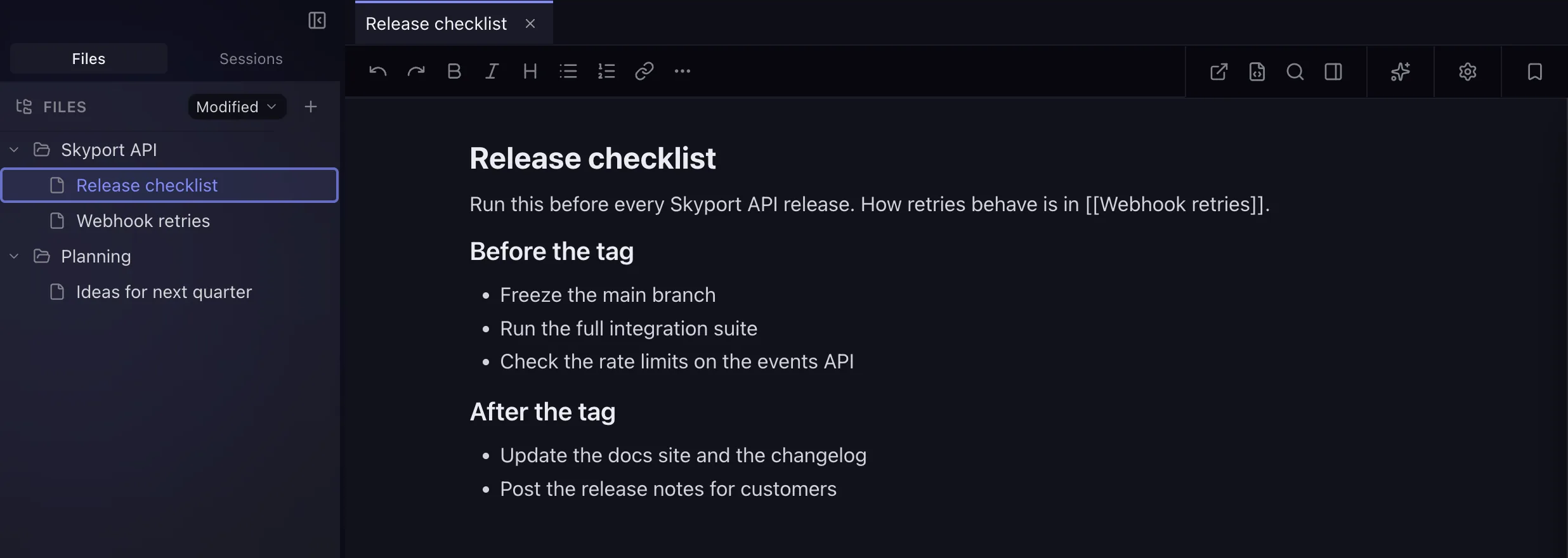
W
Workstream
The plan an agent publishes for a long piece of work: a few phases, each with its tasks. Yardmaster shows it live and ticks tasks off as the agent finishes them.
Read moreWorktree
A separate copy of a git project, so several agents can work on the same code side by side. Yardmaster can remove a copy once its work is done.
Read more